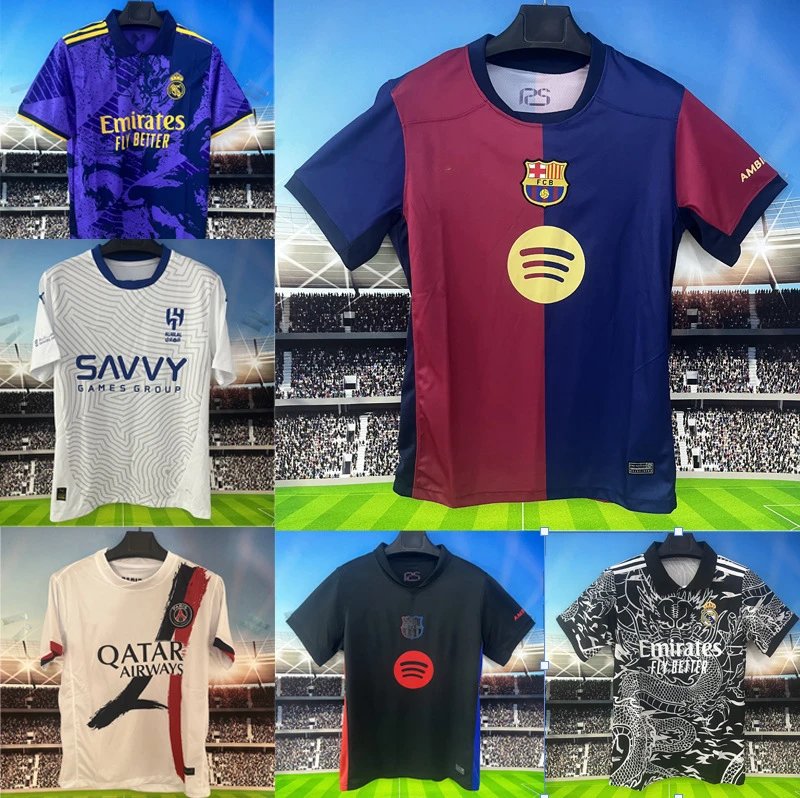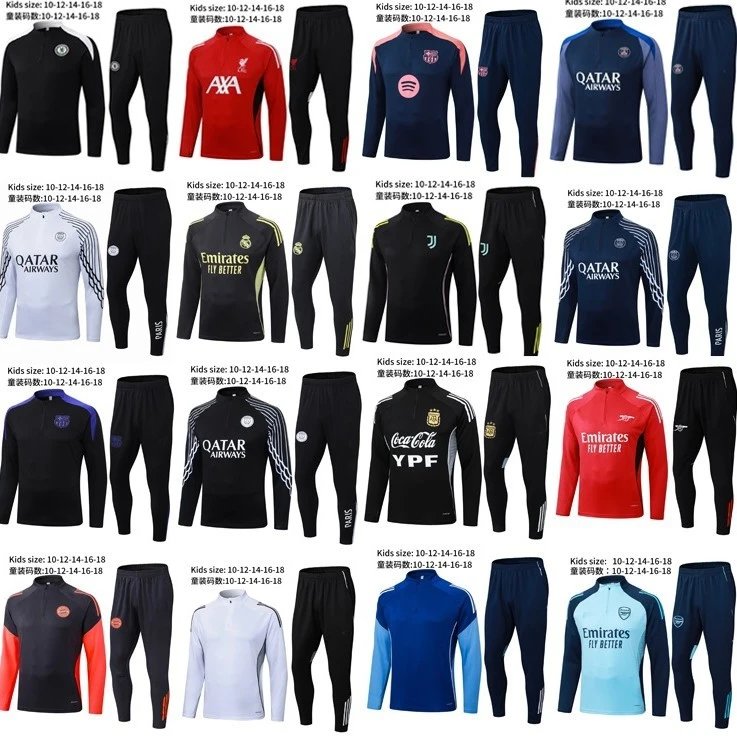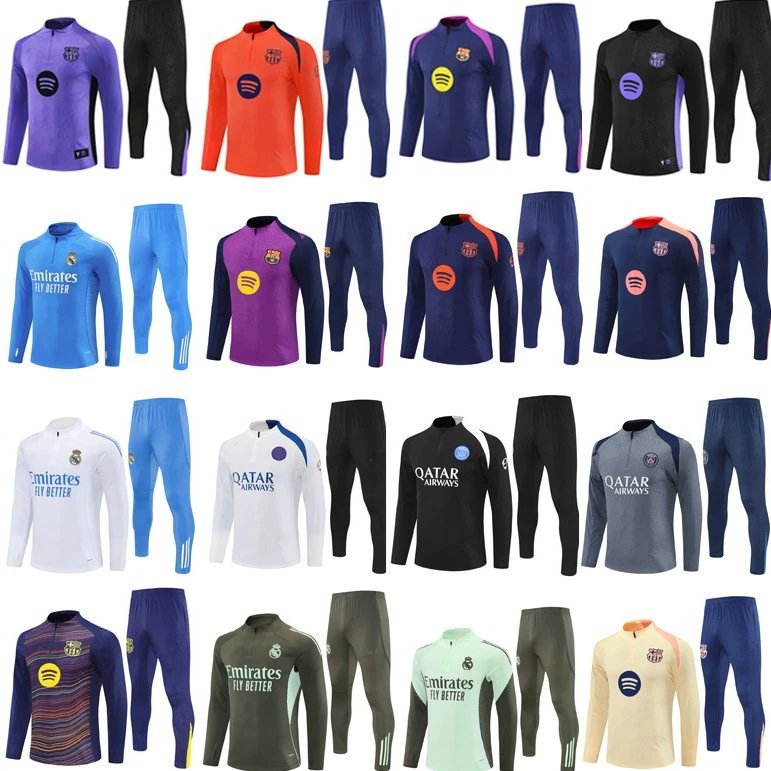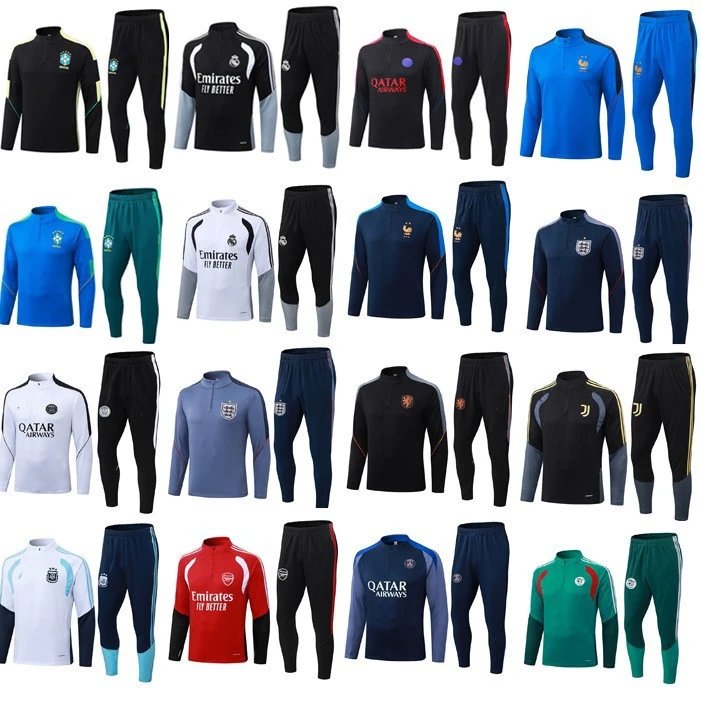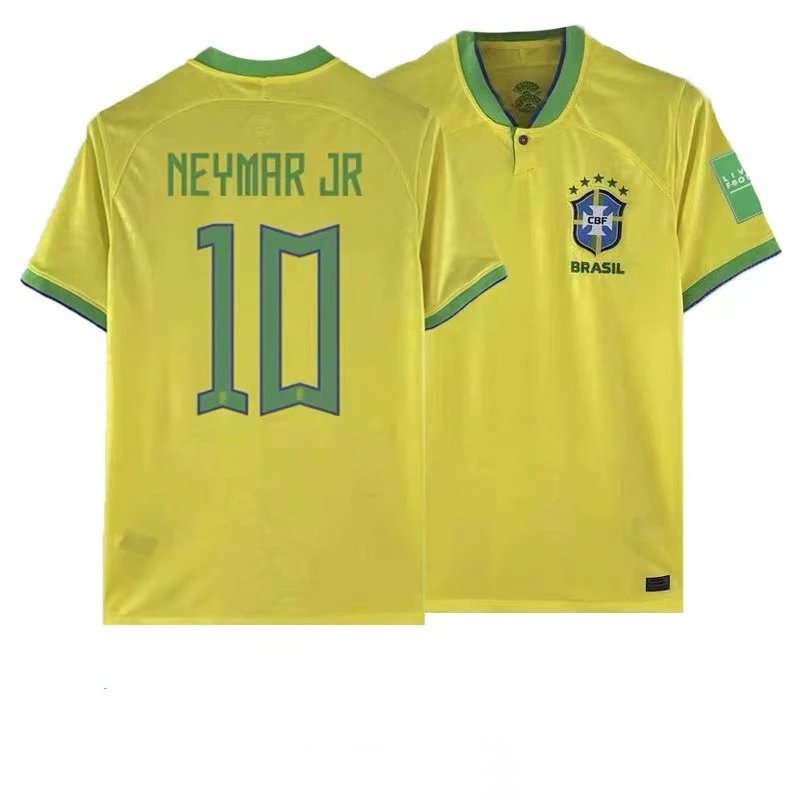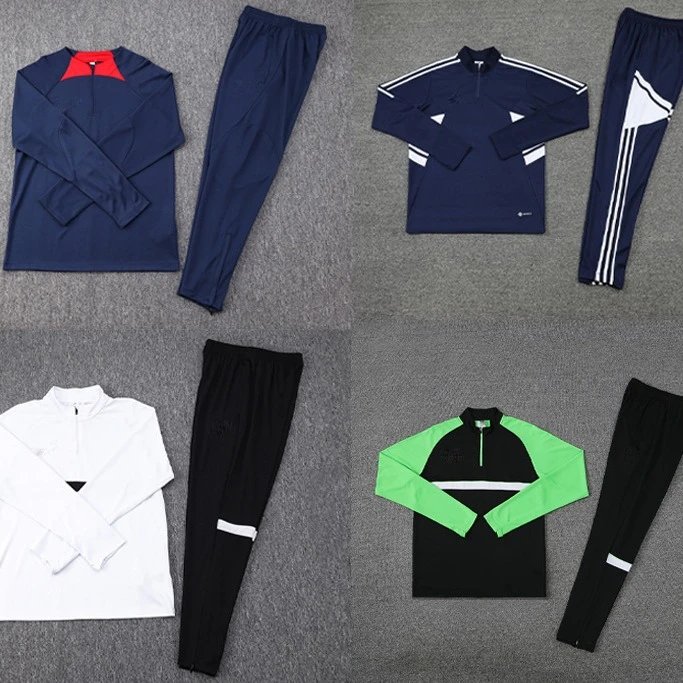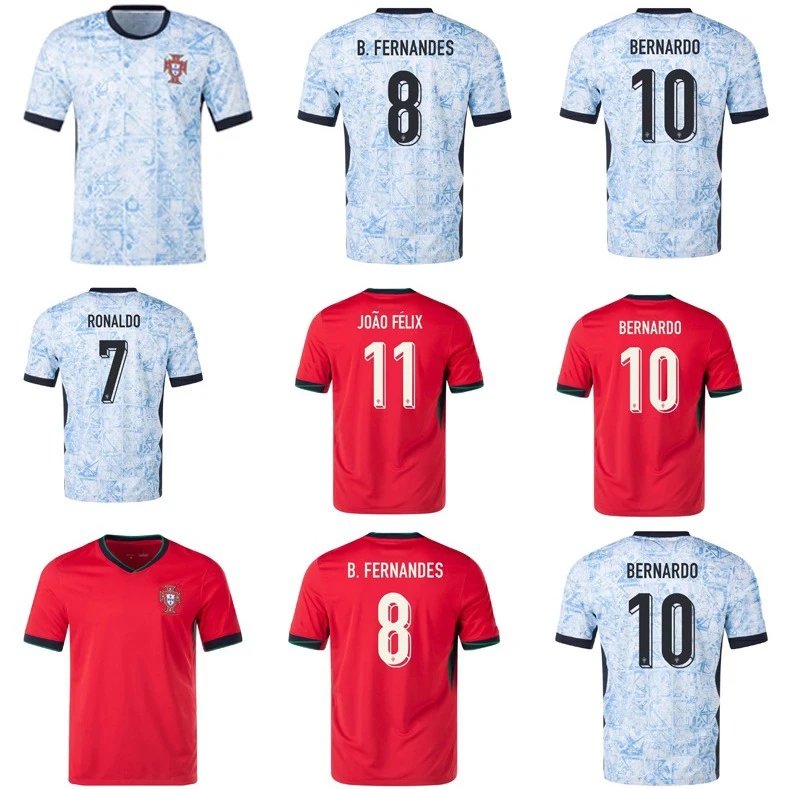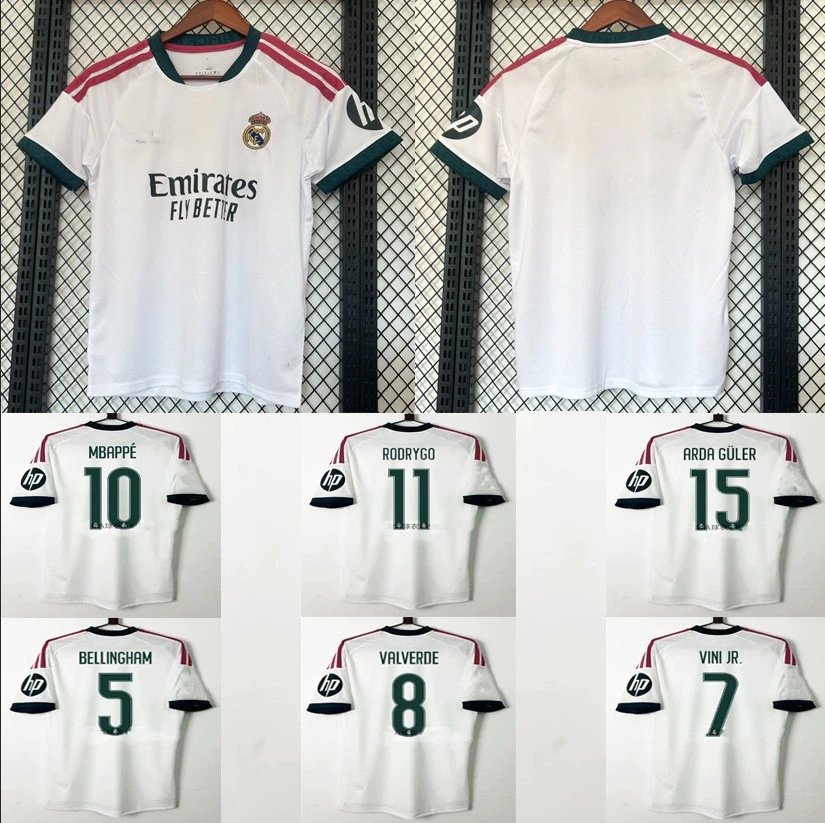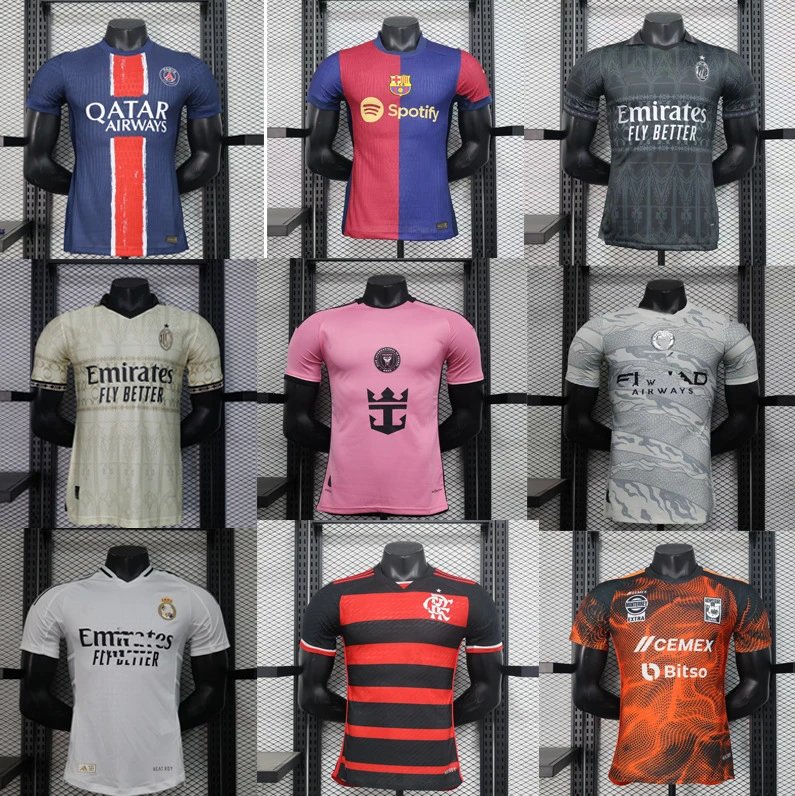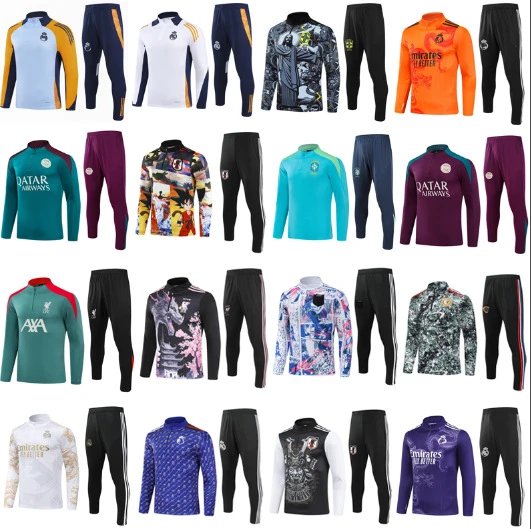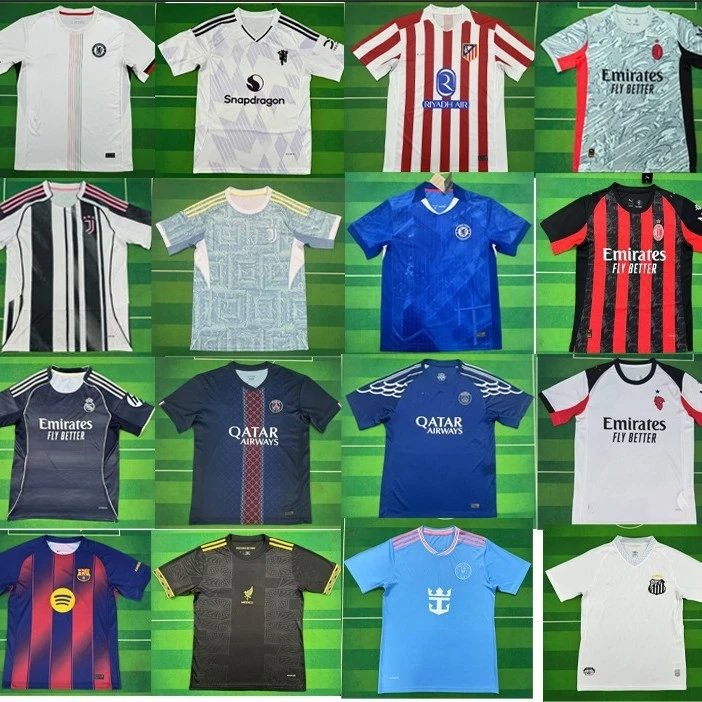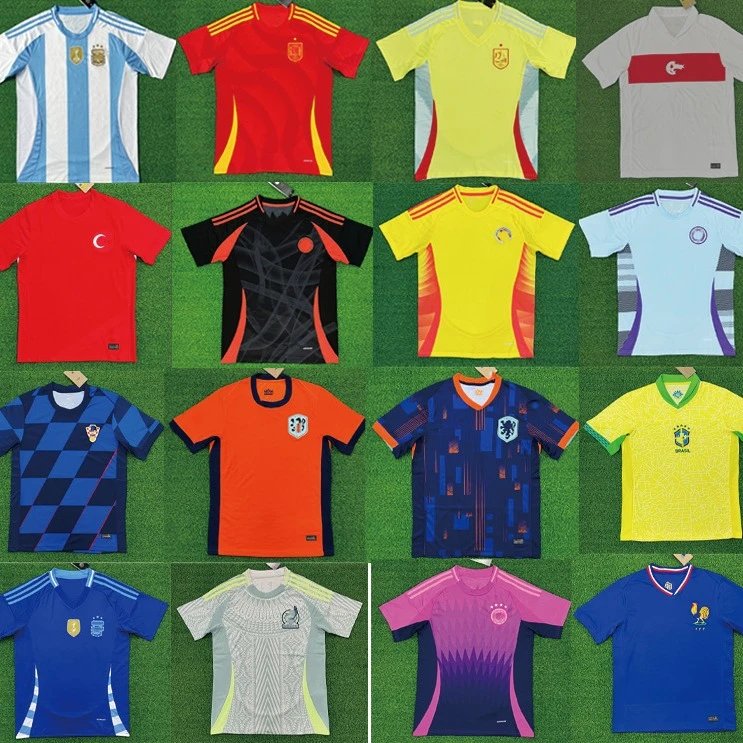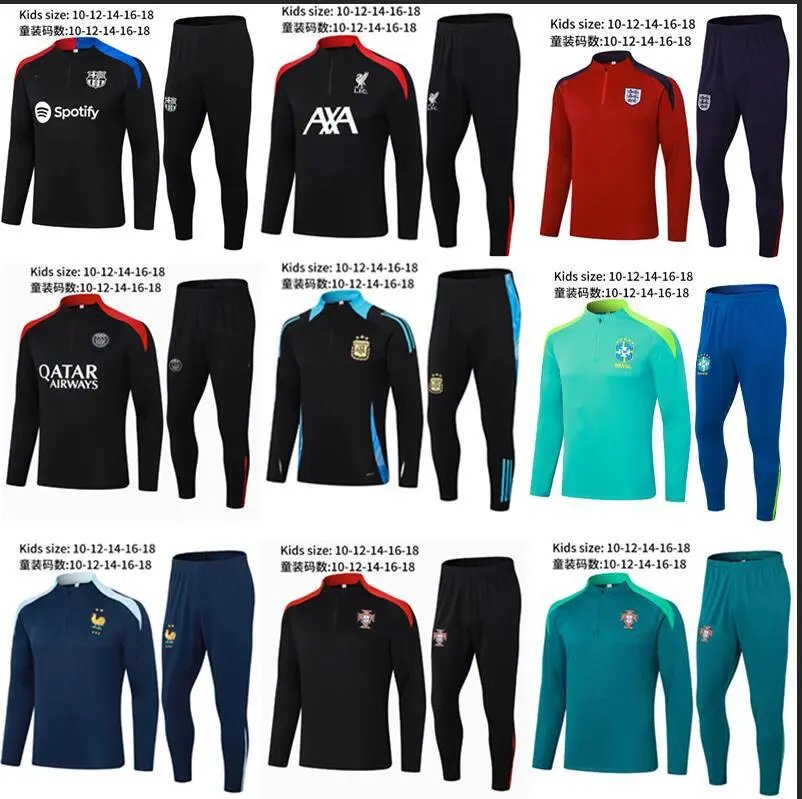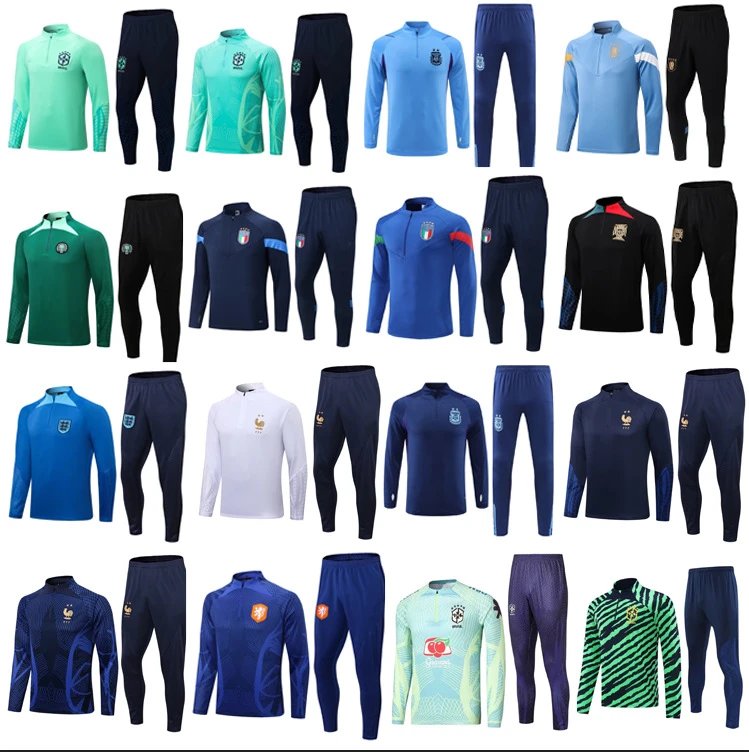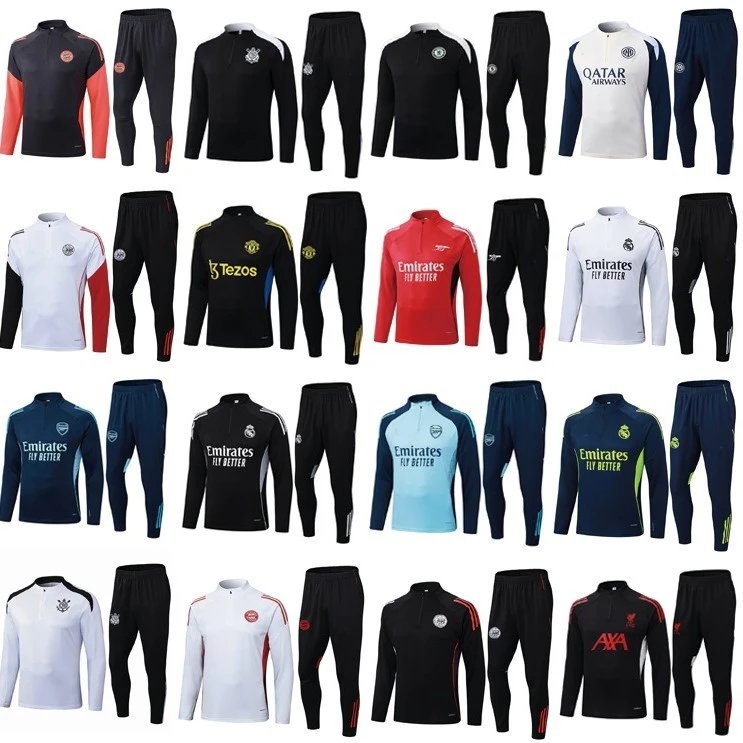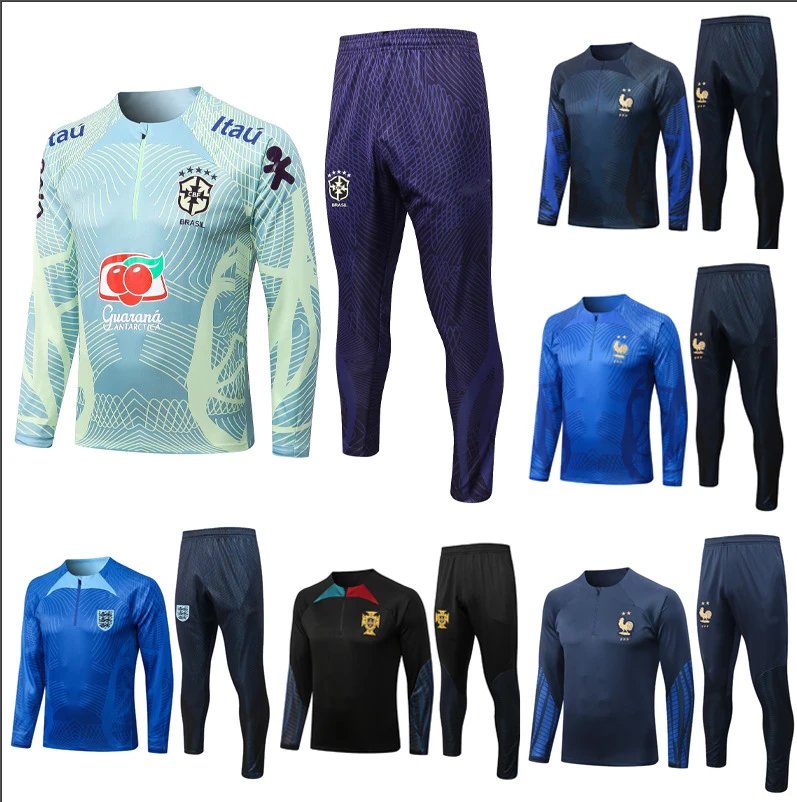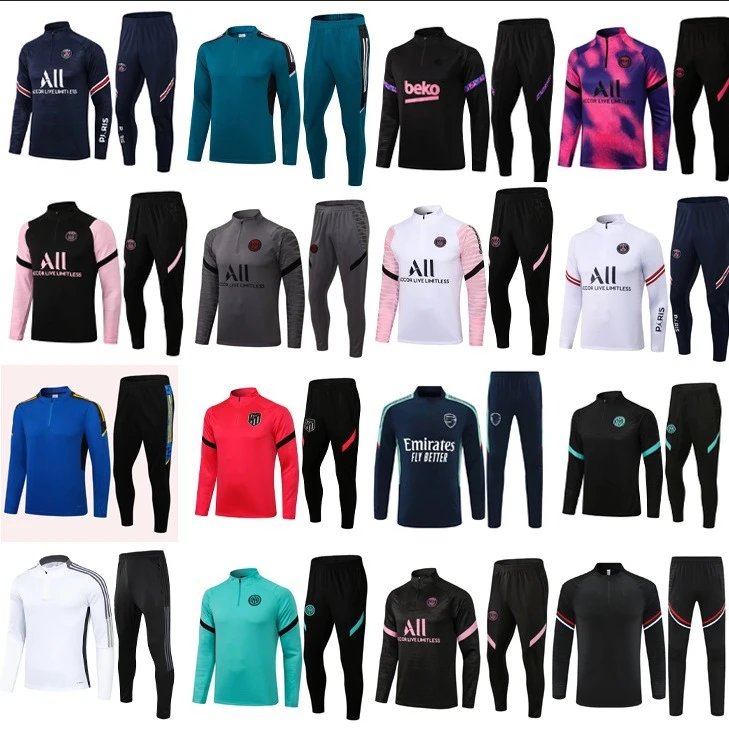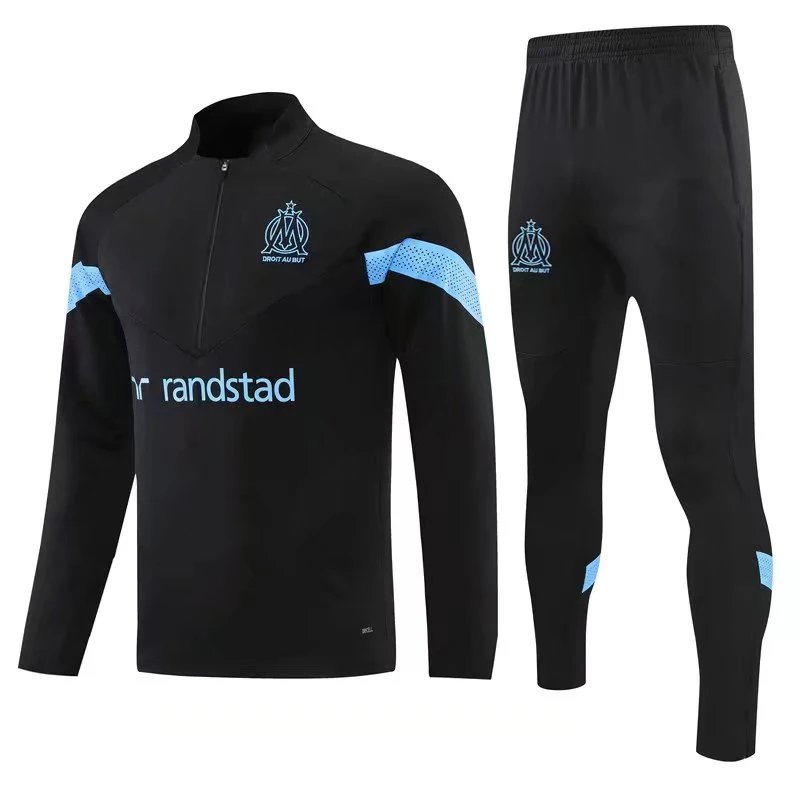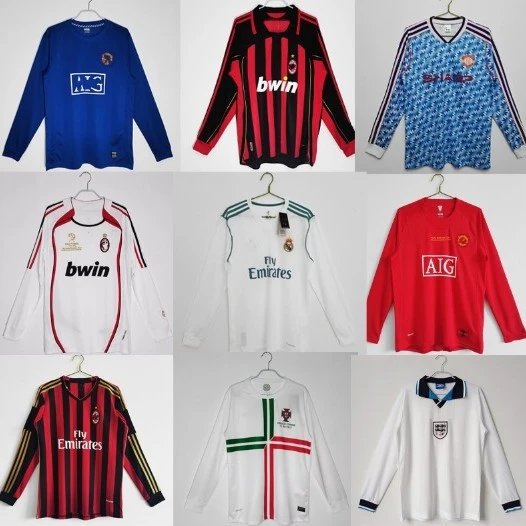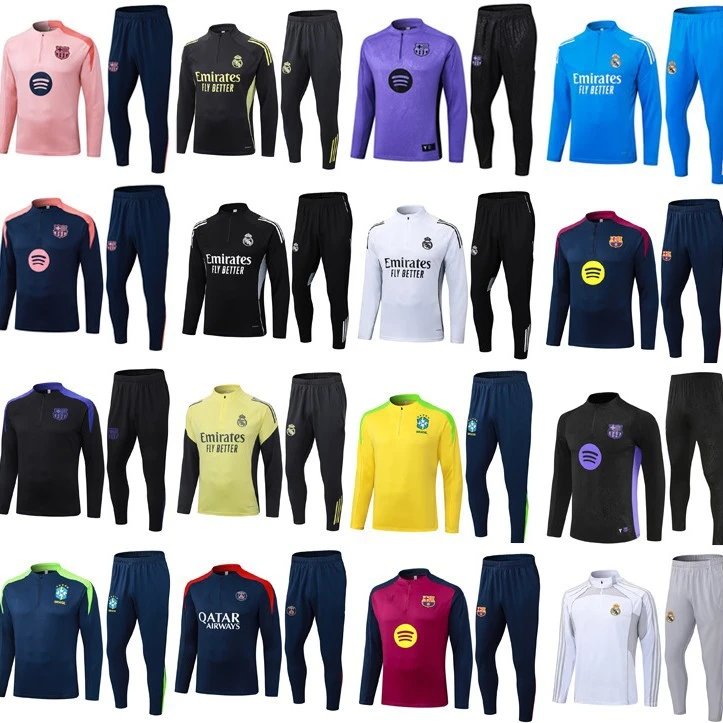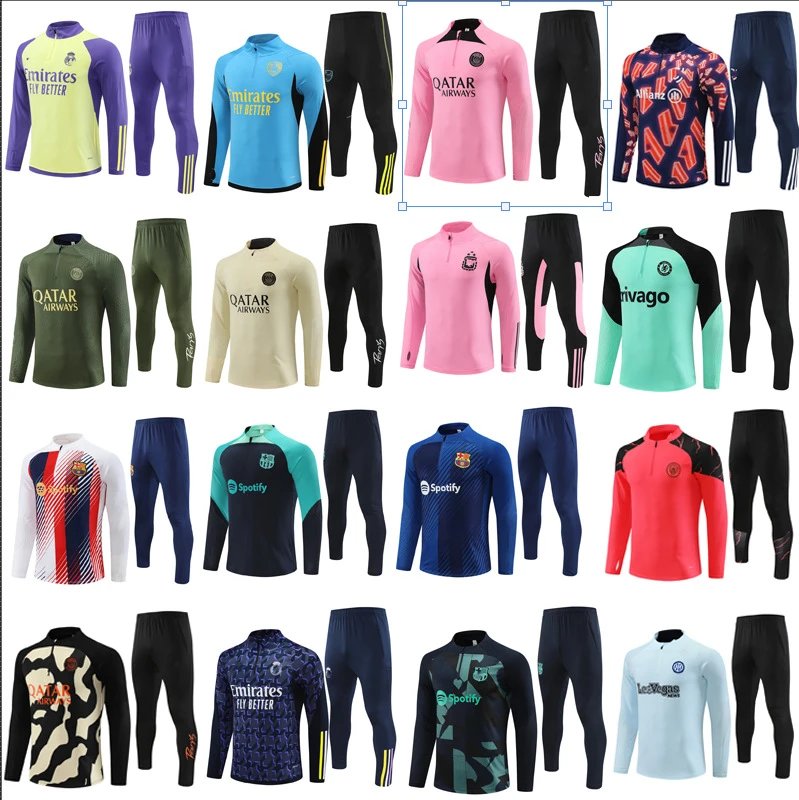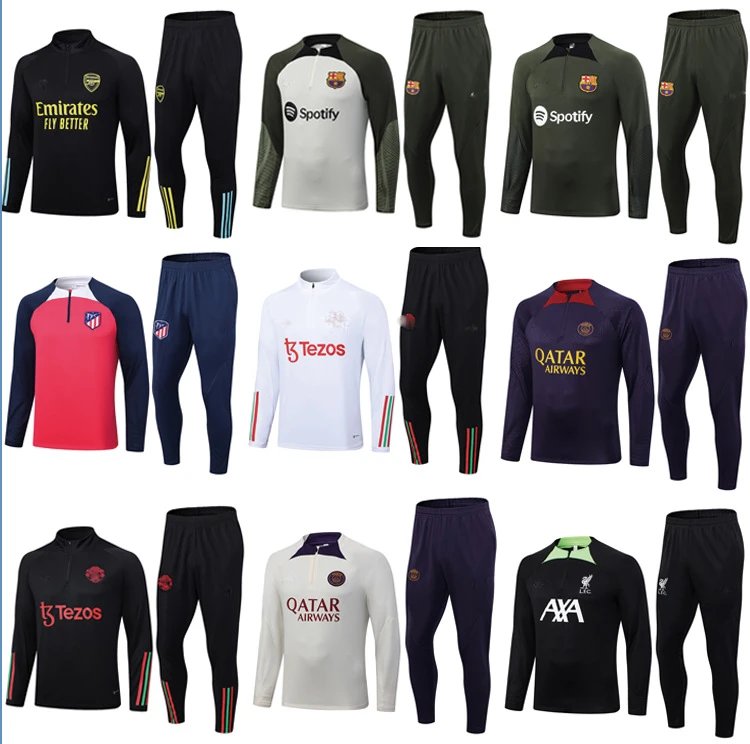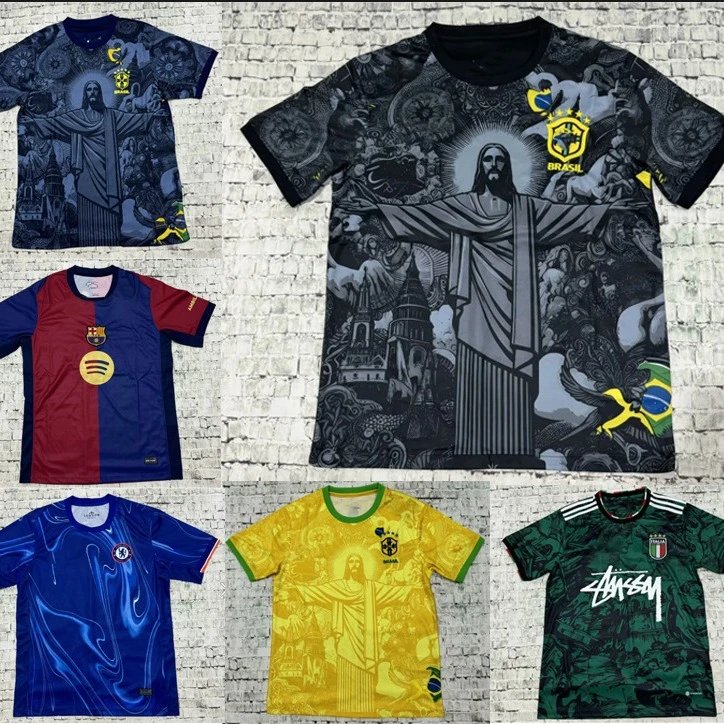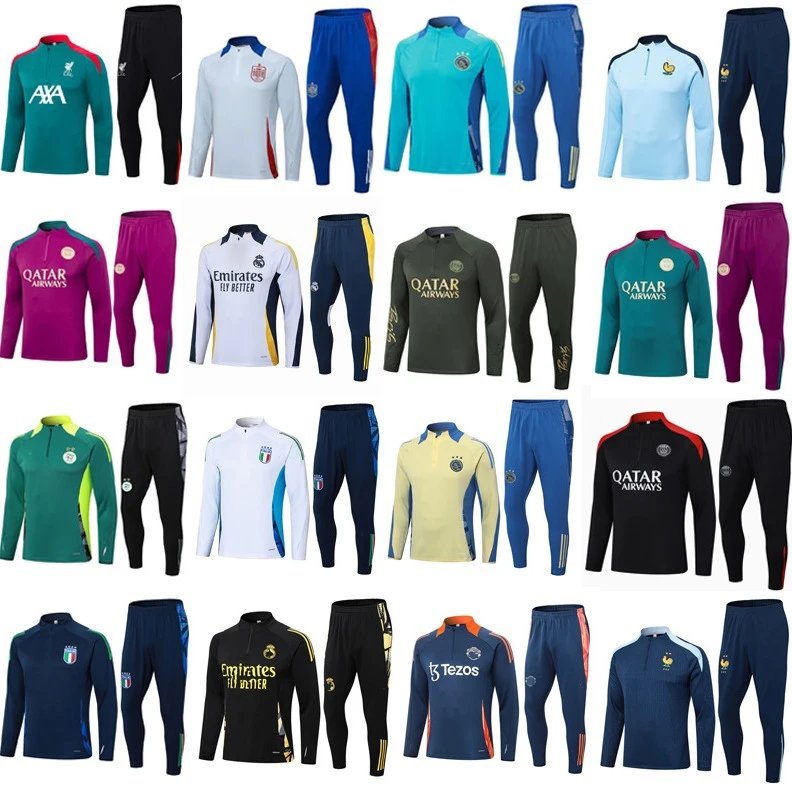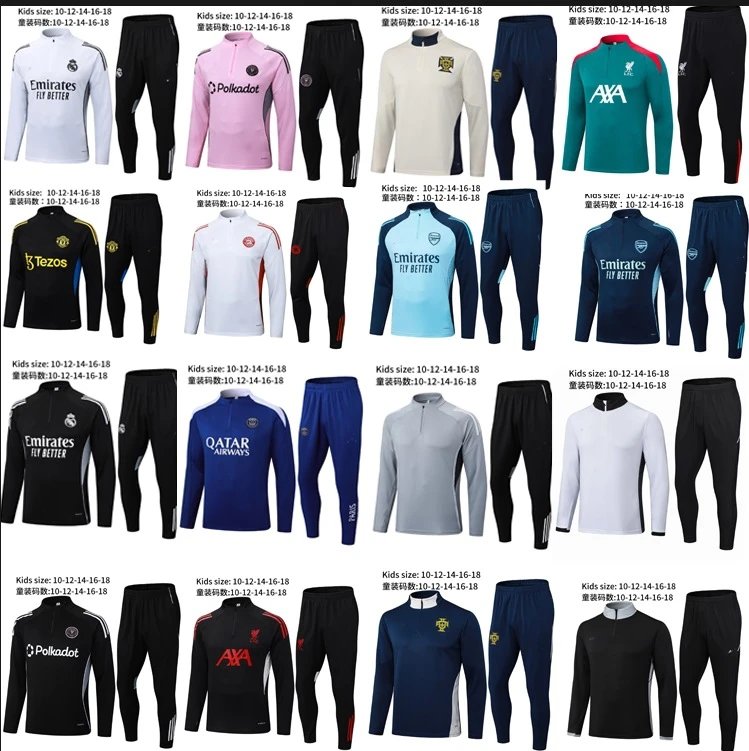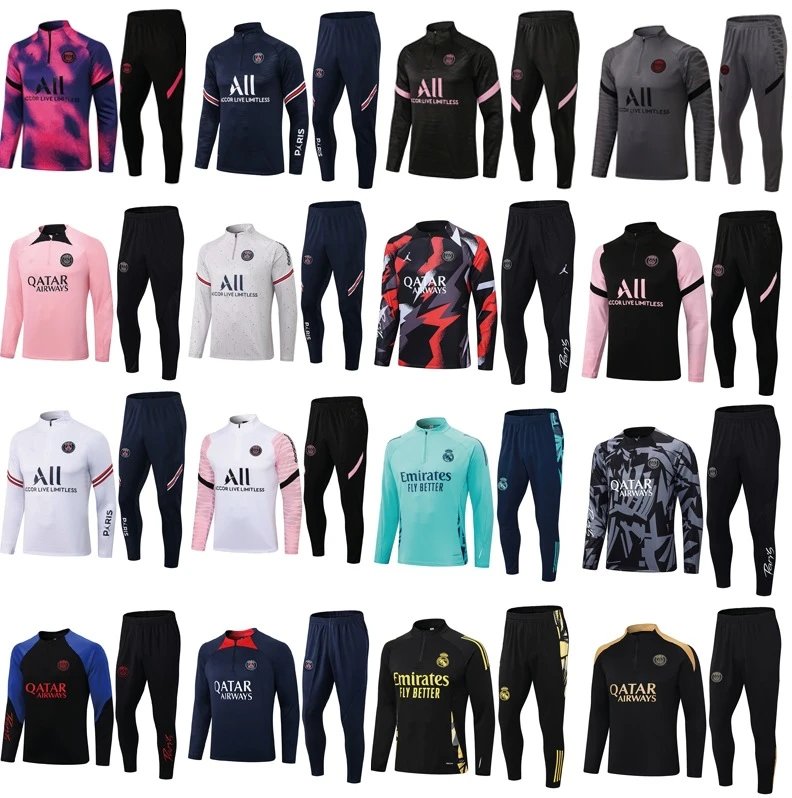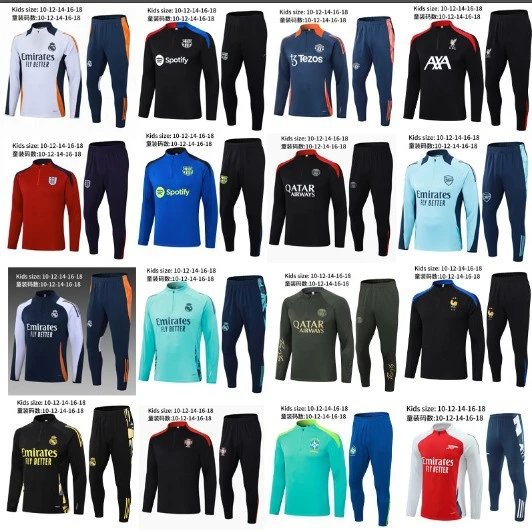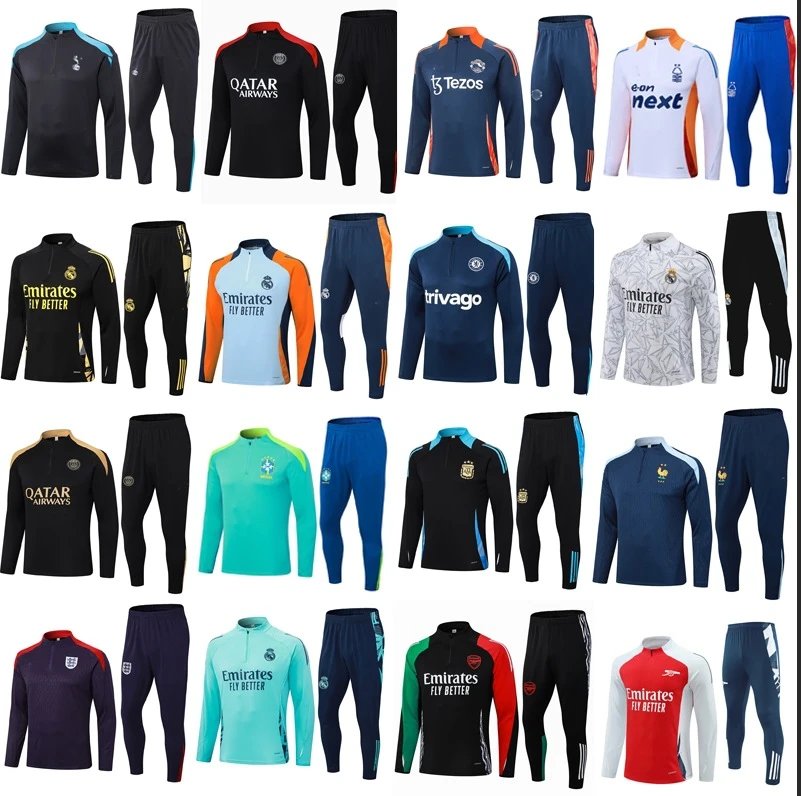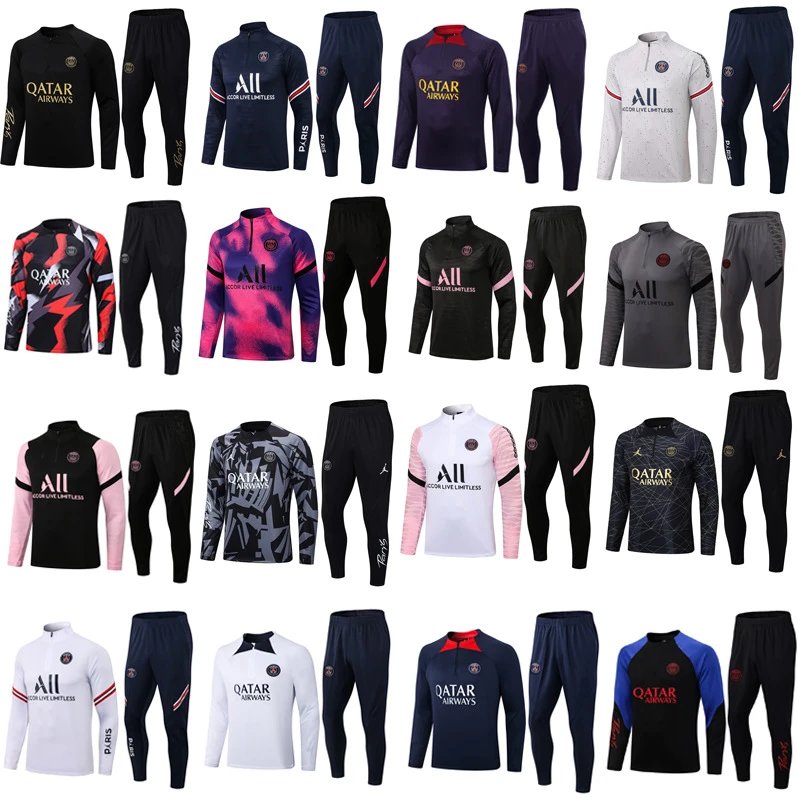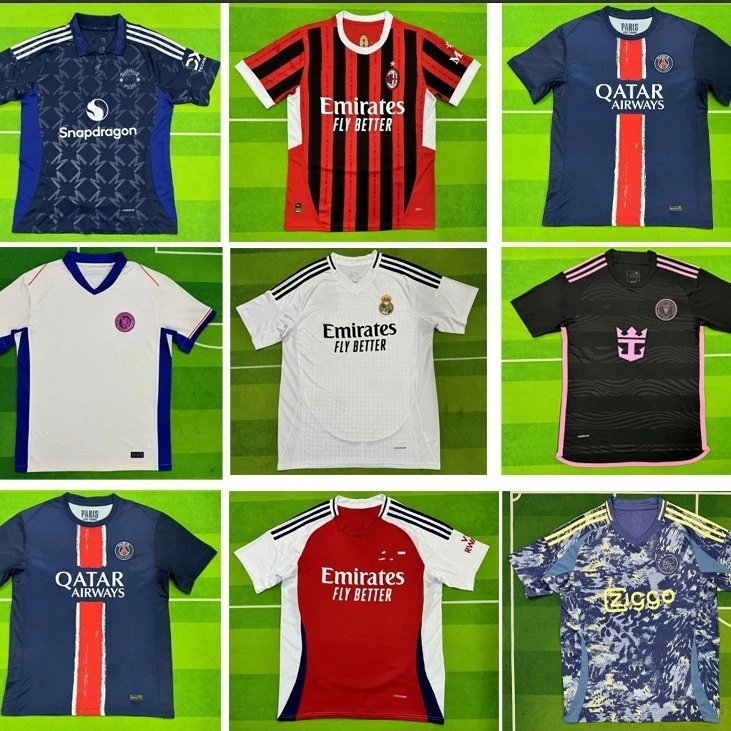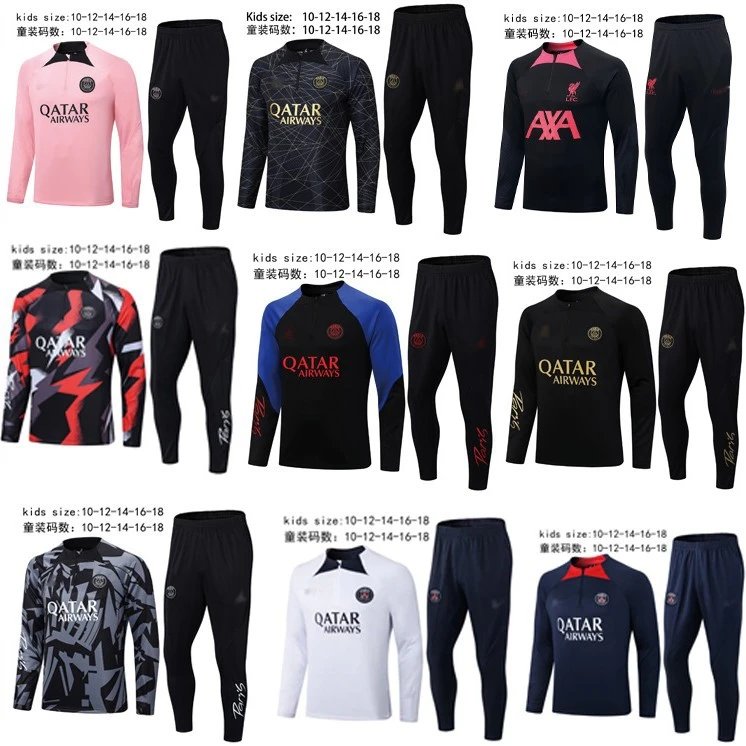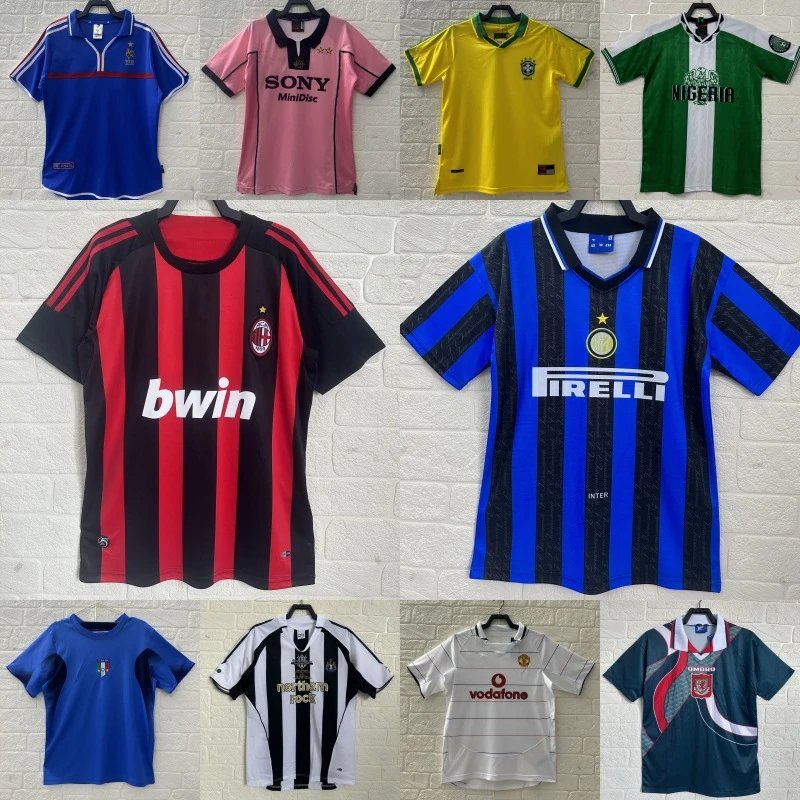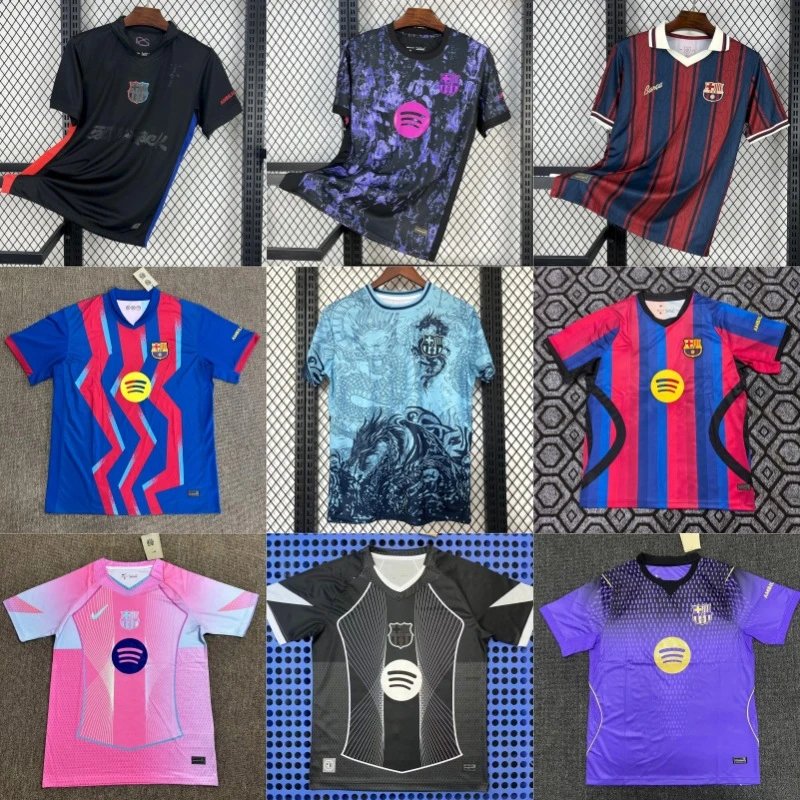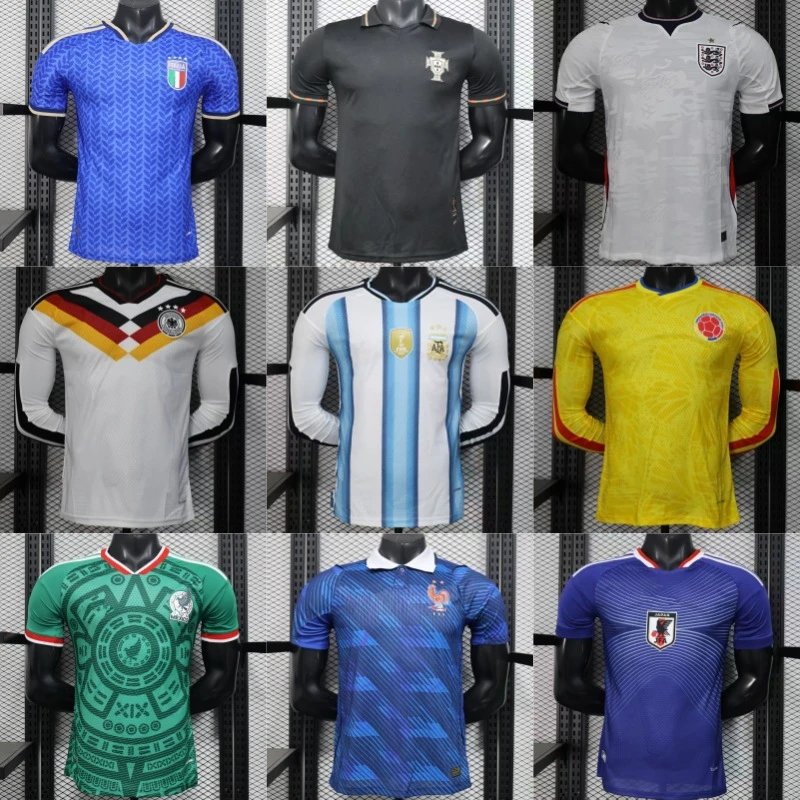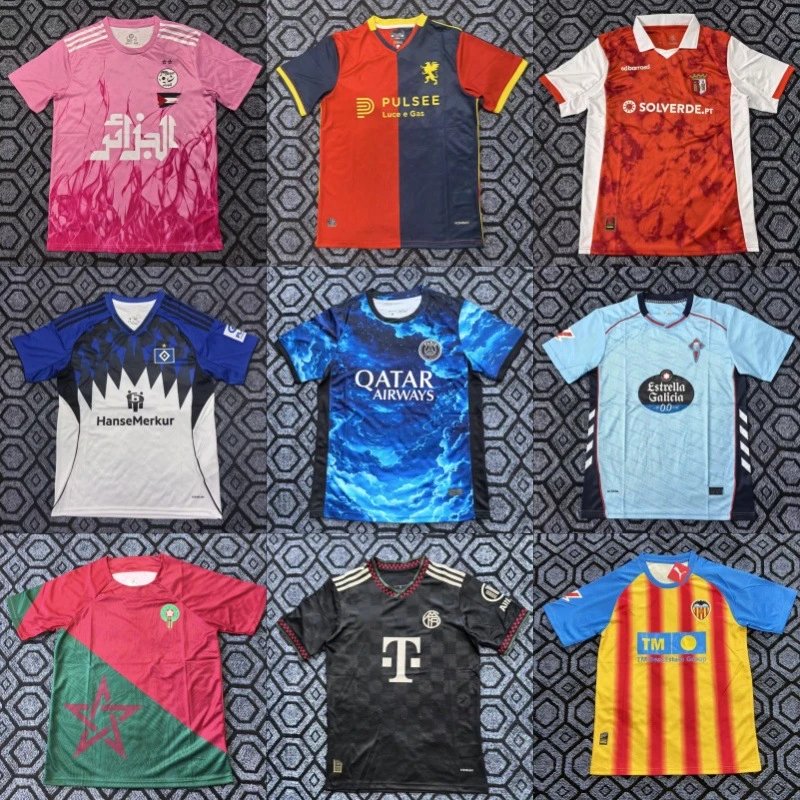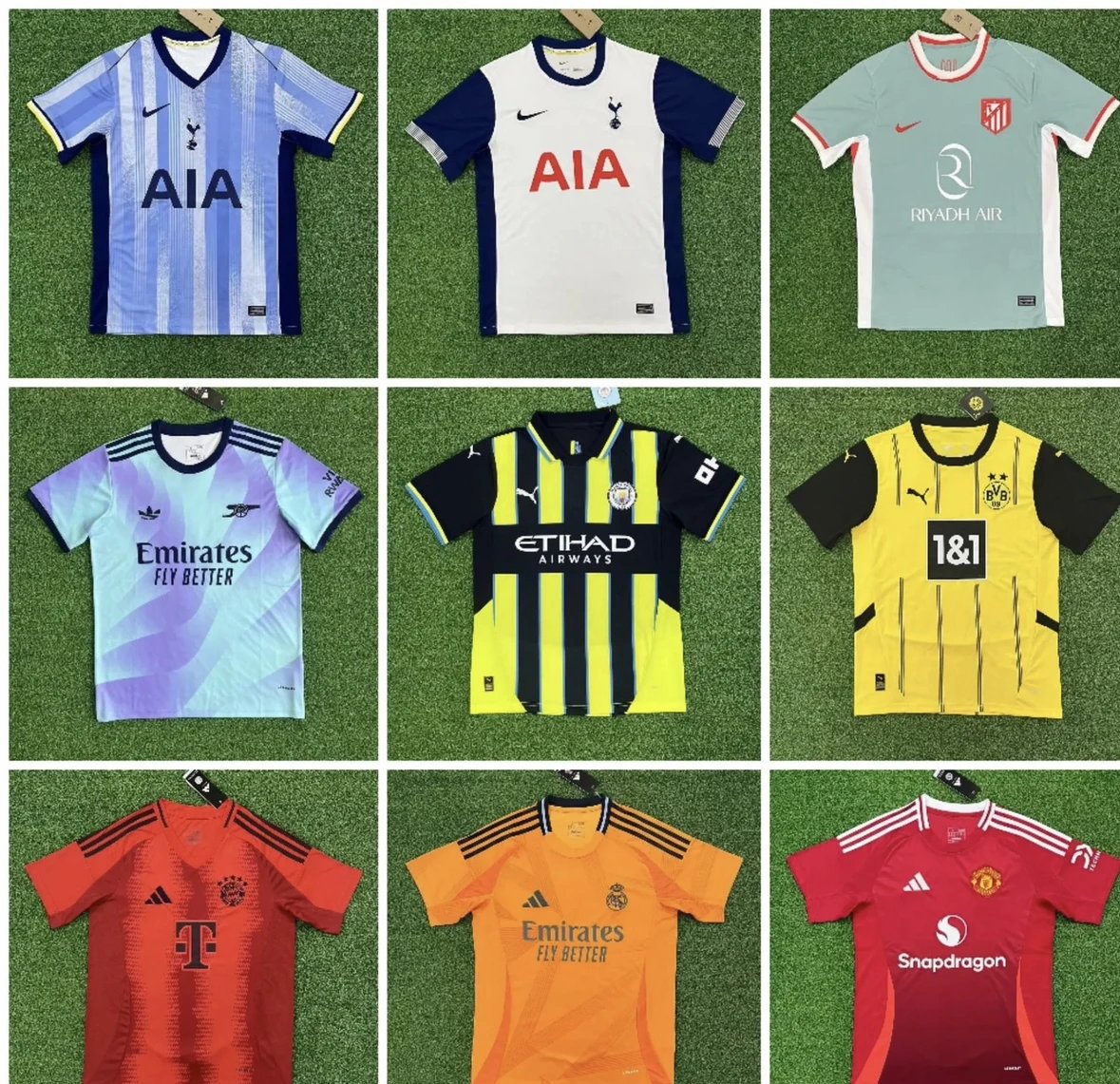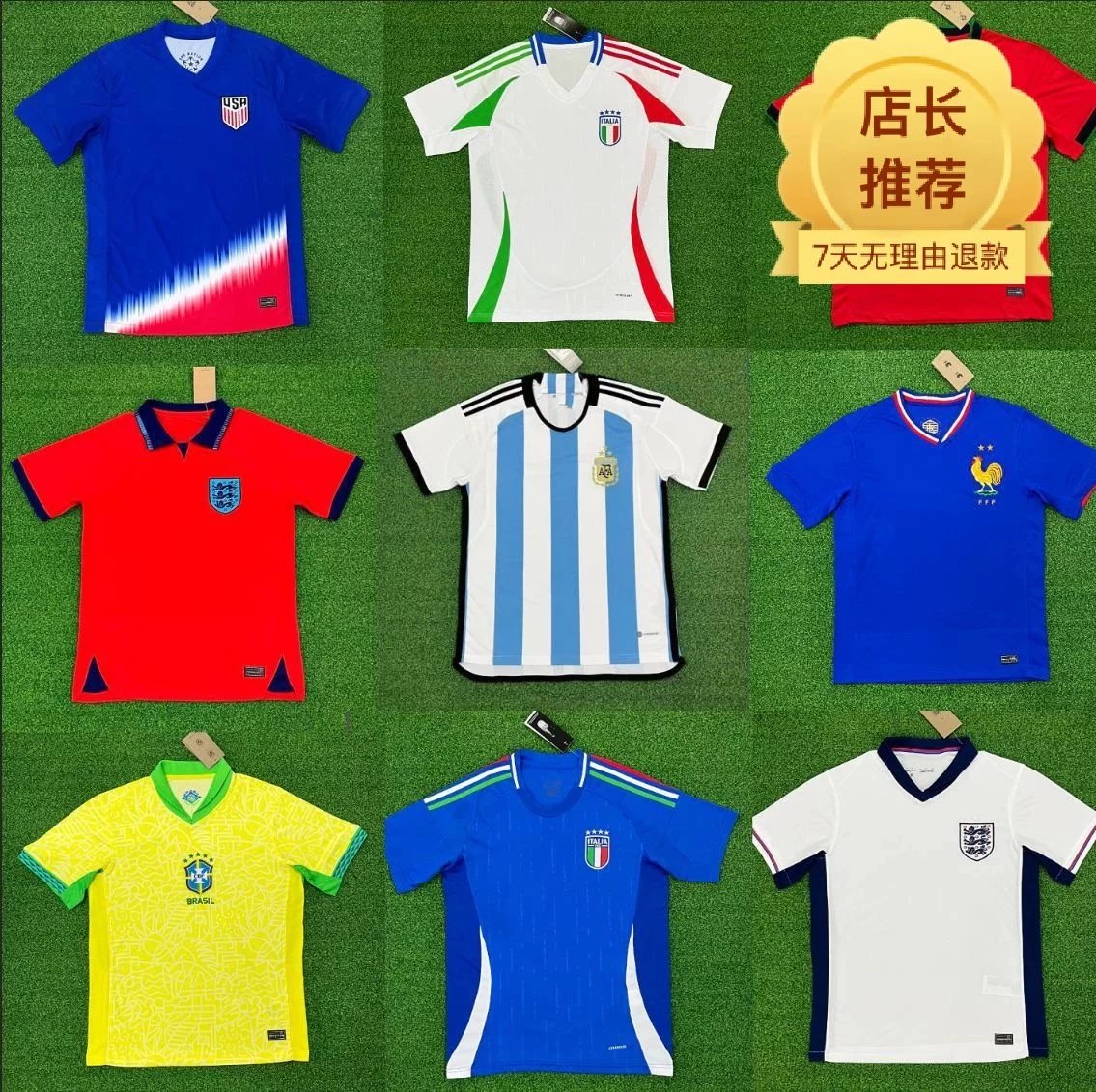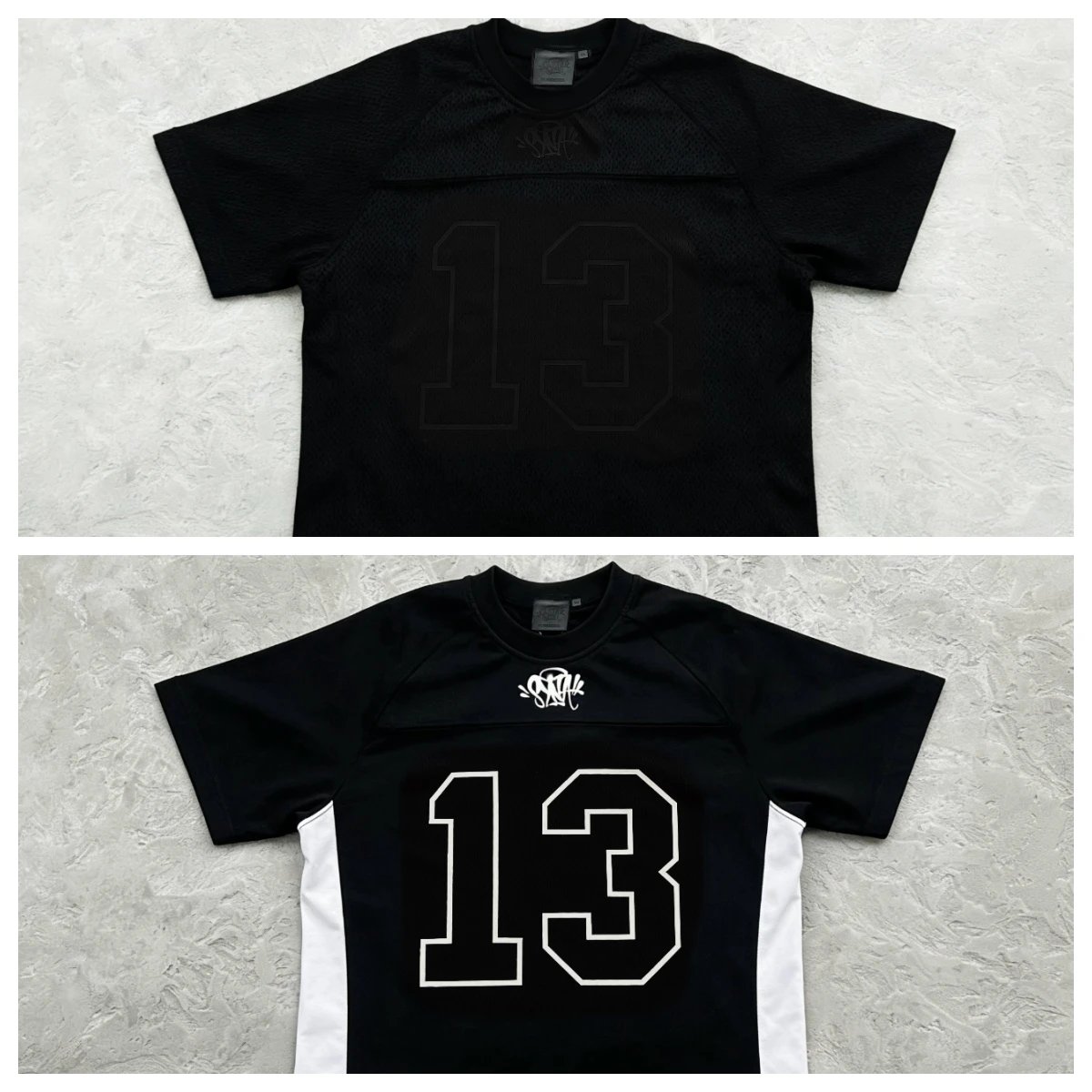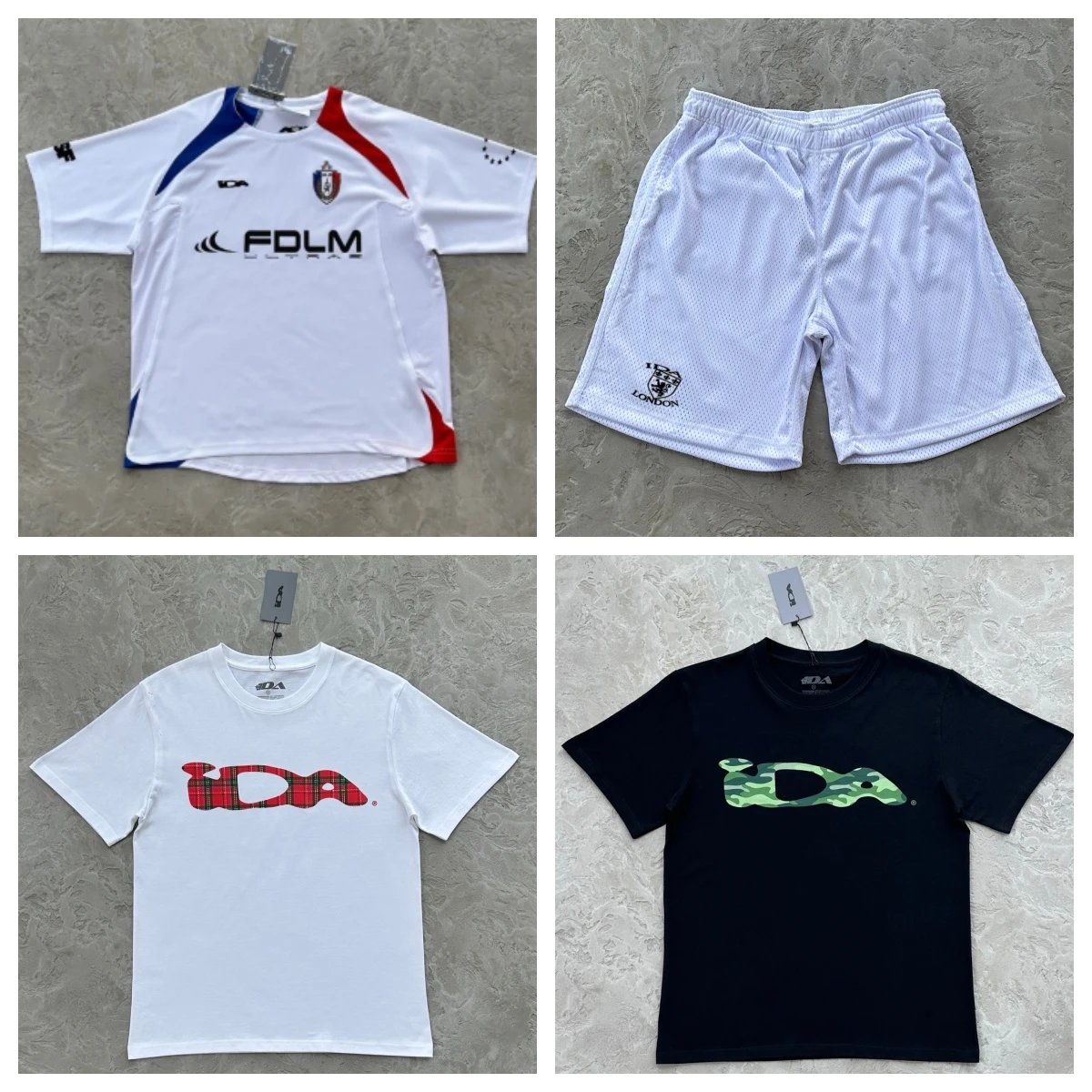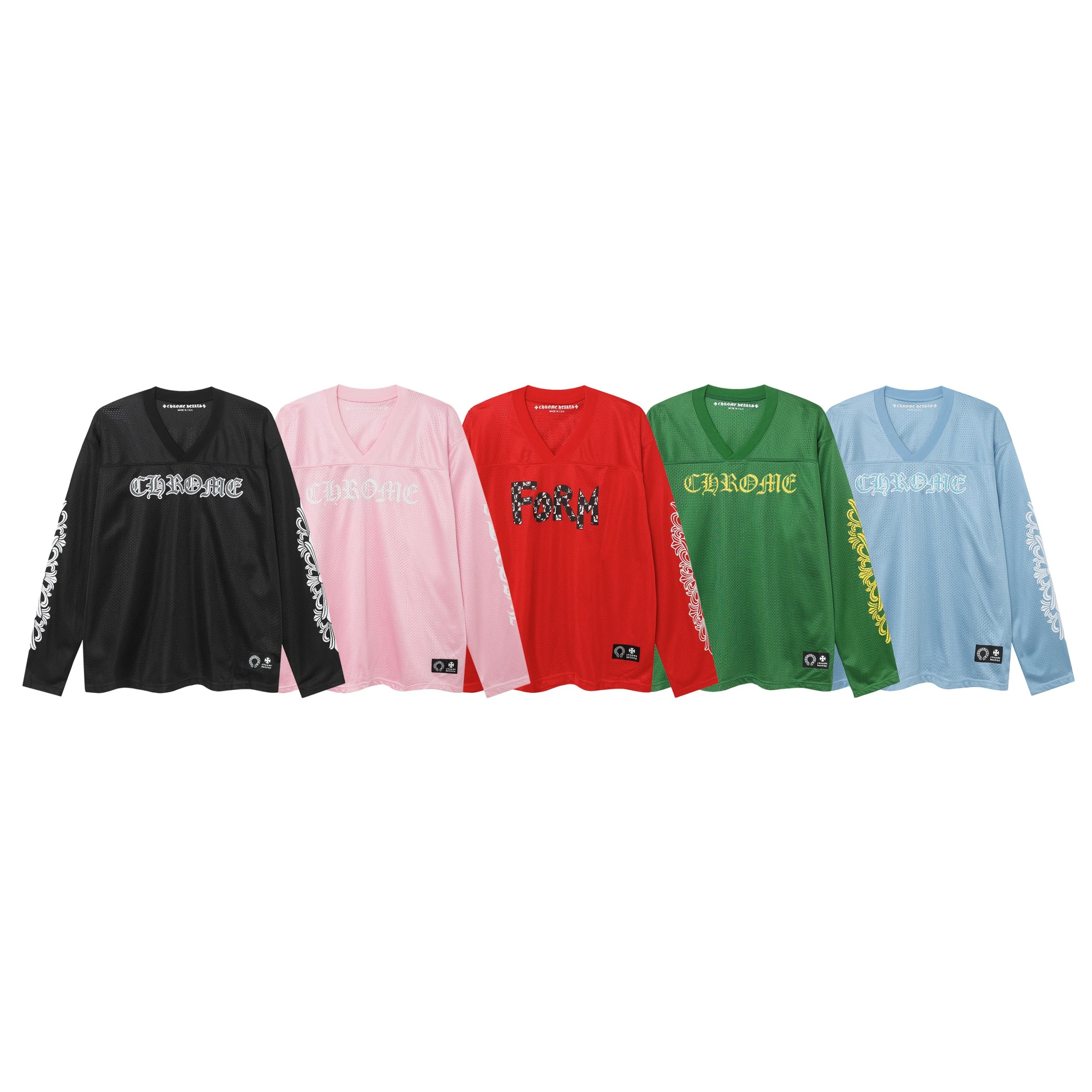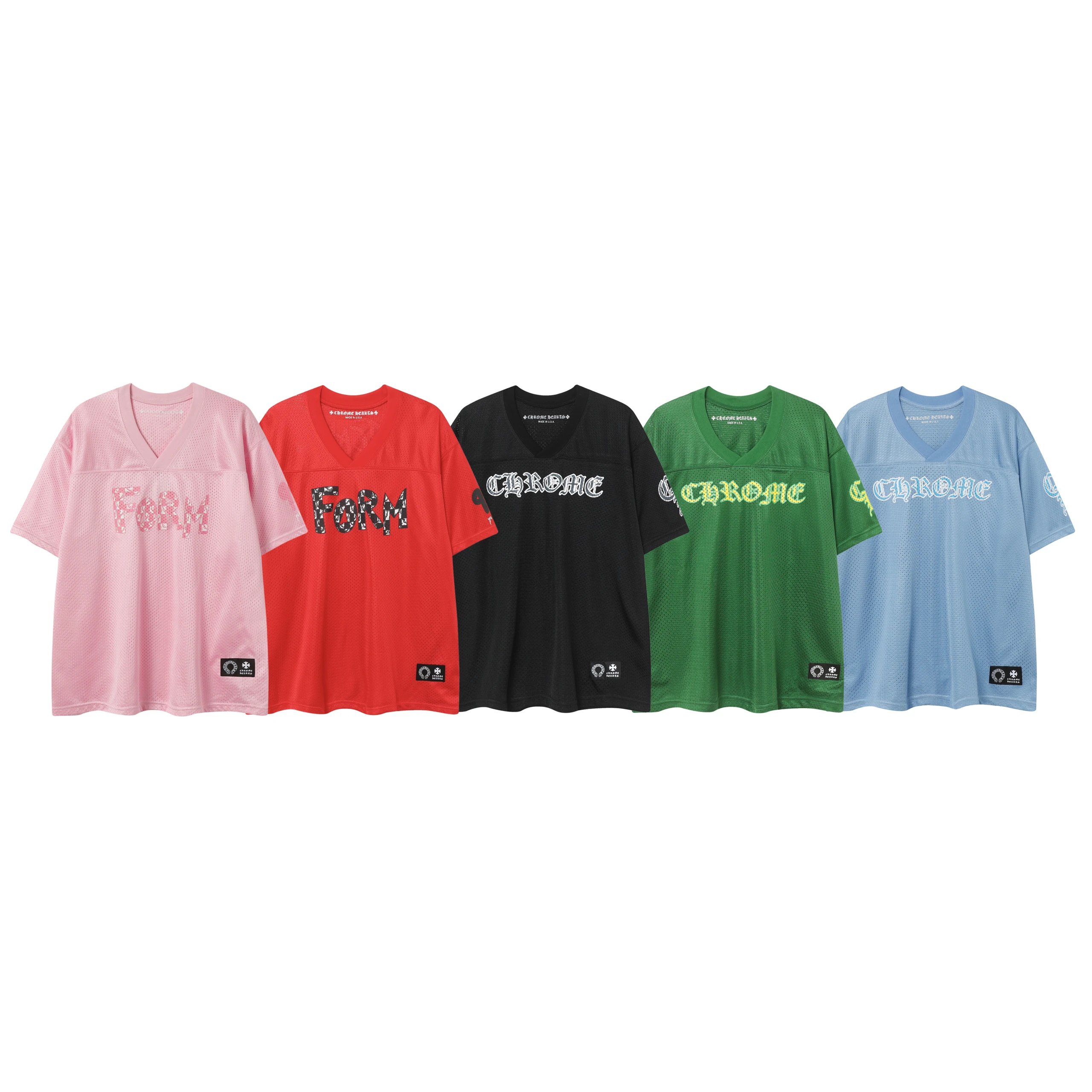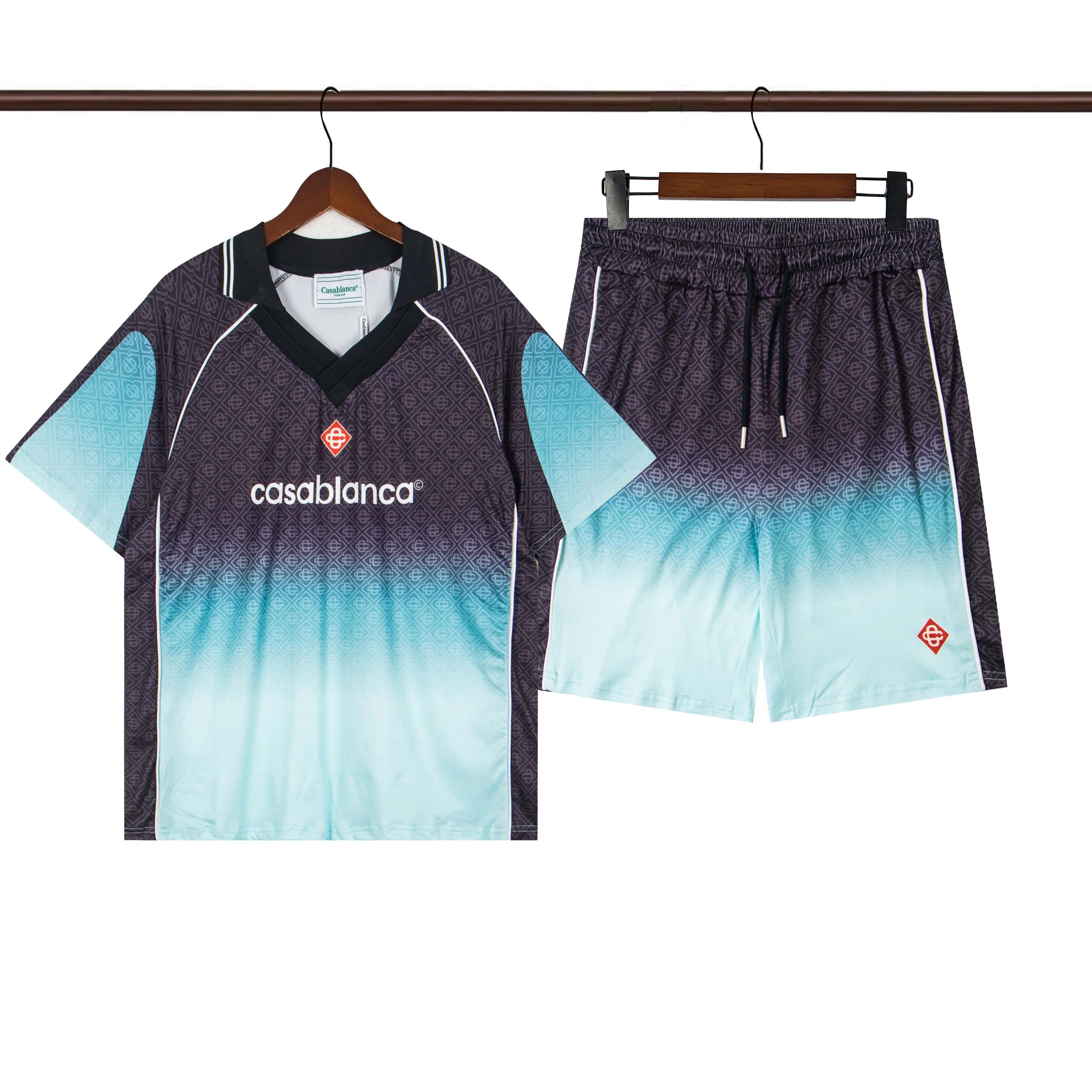



Jerseys have their own vocabulary, so here's the beginner path: find the jersey in the grid below, copy the link, paste it into Mulebuy, and — importantly — spell out exactly which version, name, number, and patches you want in your order notes before approving the QC photos. Getting those details right up front is what makes or breaks a jersey order.
Know which version you're buying. Football and other sports jerseys usually come in two builds: a fan (replica) version, which is looser and made of standard breathable fabric, and a player version, which is a slimmer, more technical, body-hugging fit made of lighter material. They fit very differently, so decide which you want before ordering — a player-version jersey in your normal size can feel tight.
Season, kit, and details. Confirm the exact season and whether it's the home, away, or third kit, since one club has many. Then nail down customization:
Sizing runs differently than casualwear. Jersey sizing tends to run small, and the player cut runs smaller still. Use the measurement chart in centimeters rather than your usual S/M/L, and if you like a roomier fit, consider sizing up — check the seller's chart or ask in your Mulebuy notes.
When the QC photos arrive, inspect closely: the name and number should be centered and the right font, patches should be straight and fully adhered, stitching around the crest and collar should be tidy, and the fabric should have the breathable, slightly ribbed texture jerseys are known for. Compare colors against the seller's photos, since team shades are easy to get subtly wrong.
Because customization can't easily be undone, this is a category where you really want to catch mistakes at the QC stage. If a letter is wrong or a patch is crooked, raise it with Mulebuy while the item is still in the warehouse.
Price, available sizes, and shipping options are on the live Mulebuy listing — confirm those there before you commit, then approve once every detail checks out.