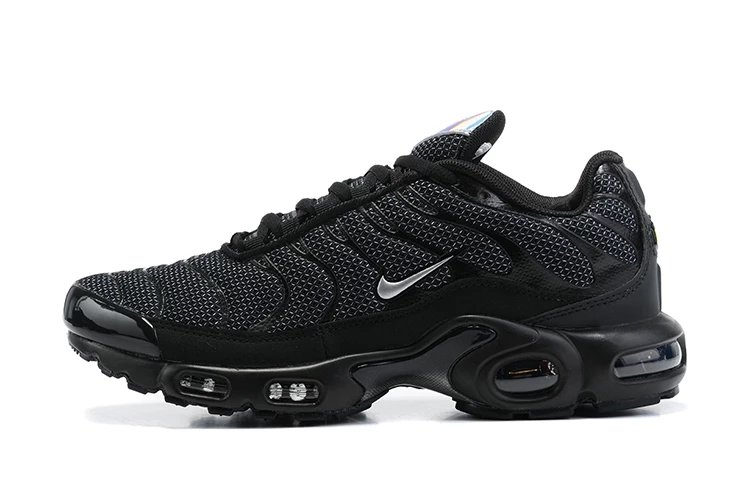
 HOT
HOT




MuleBuy Spreadsheet curates trusted Weidian and Taobao product links, QC references, seller signals, and buying-route notes so users can search faster and avoid risky links.
MulebuyLinks is a product-navigation layer for Mulebuy users: search the spreadsheet, verify the source signal, then move into agent ordering, QC, warehouse and shipping with fewer blind clicks.
Use brand aliases, model shortcuts, categories, item IDs or plain product terms. Search keeps the original keyword visible while matching common buyer shorthand.
Check image, title, price signal, click data and related finds before opening a marketplace or agent page.
Use Mulebuy for Taobao, Weidian and 1688 purchasing when the link opens cleanly. Add size, color and order remarks before payment.
Confirm color, size label, visible flaws, item count and packaging while the item is still in the agent warehouse.
Compare weight, volume, route restrictions, insurance, customs risk and seasonal notices before paying international freight.
Return to Hot Deals, News, Guide and Help when sellers update links, stock changes or route policies move.
Recently added links across shoes, apparel, bags, accessories and daily-use categories for users who want fresh sourcing leads.
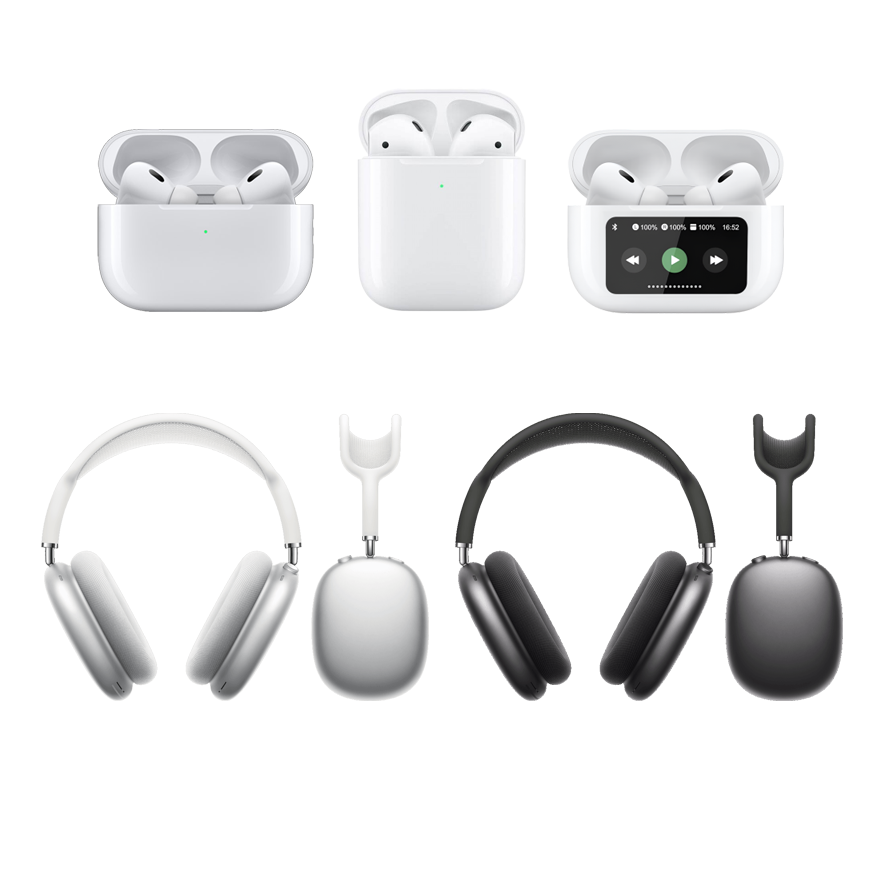
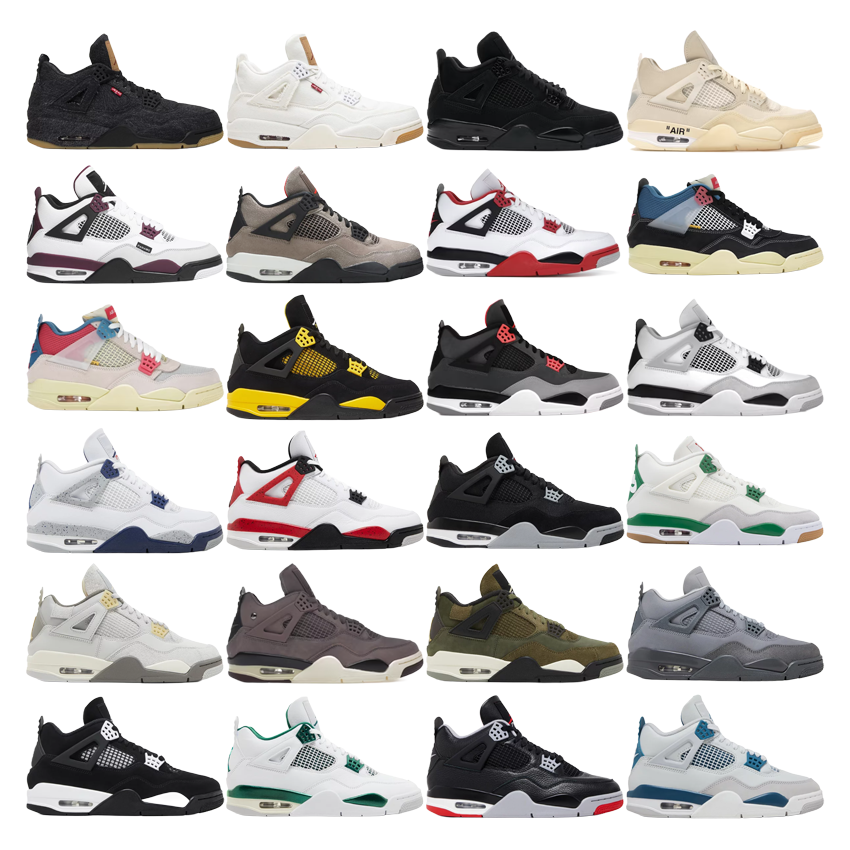
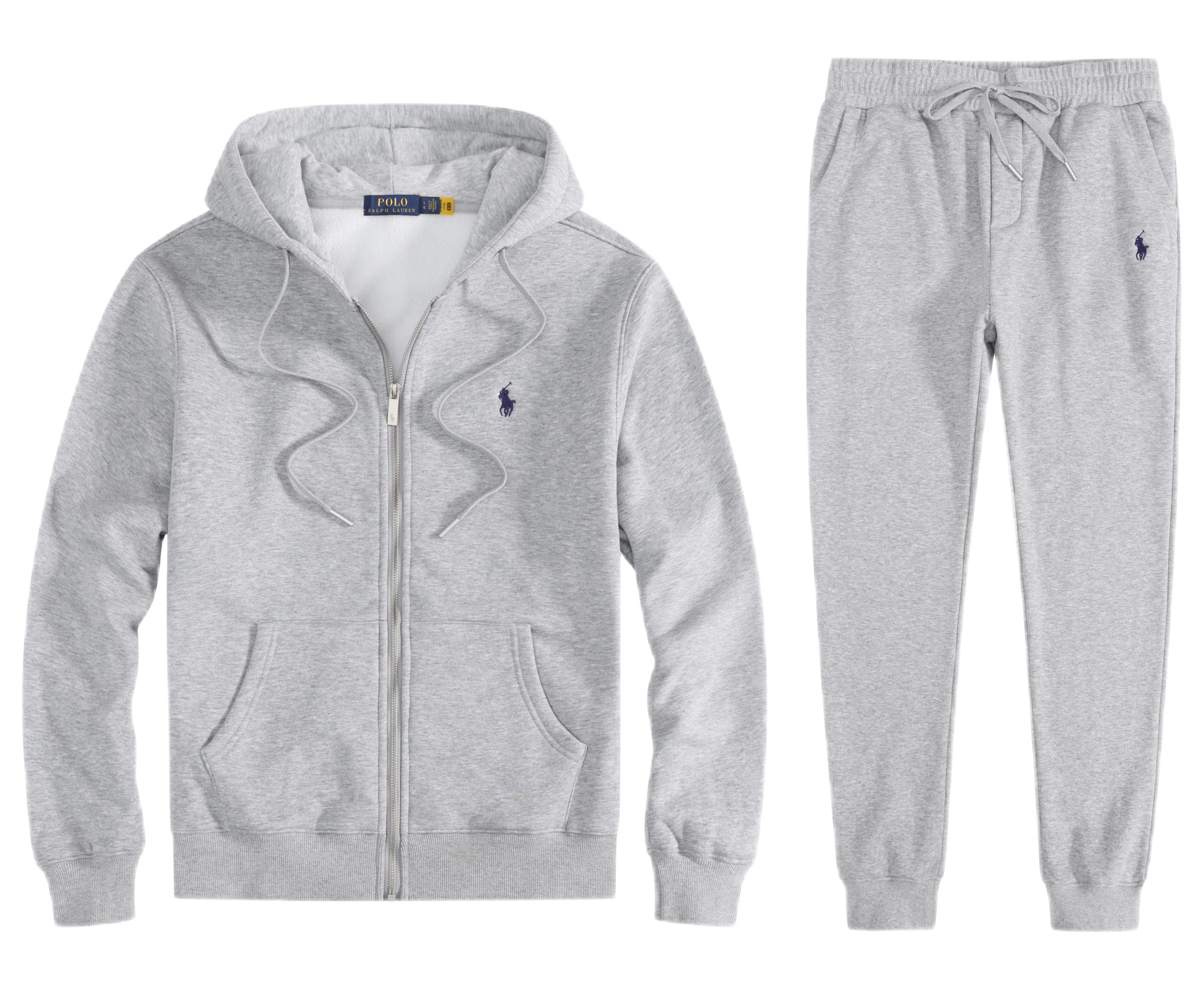
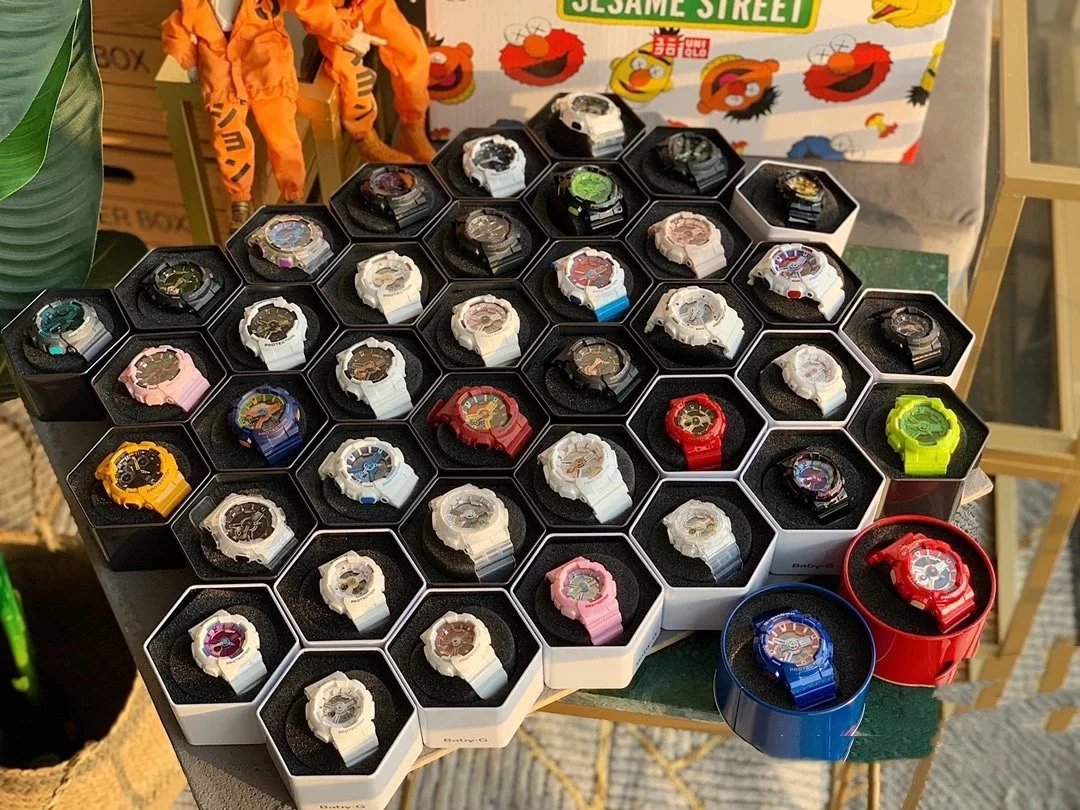
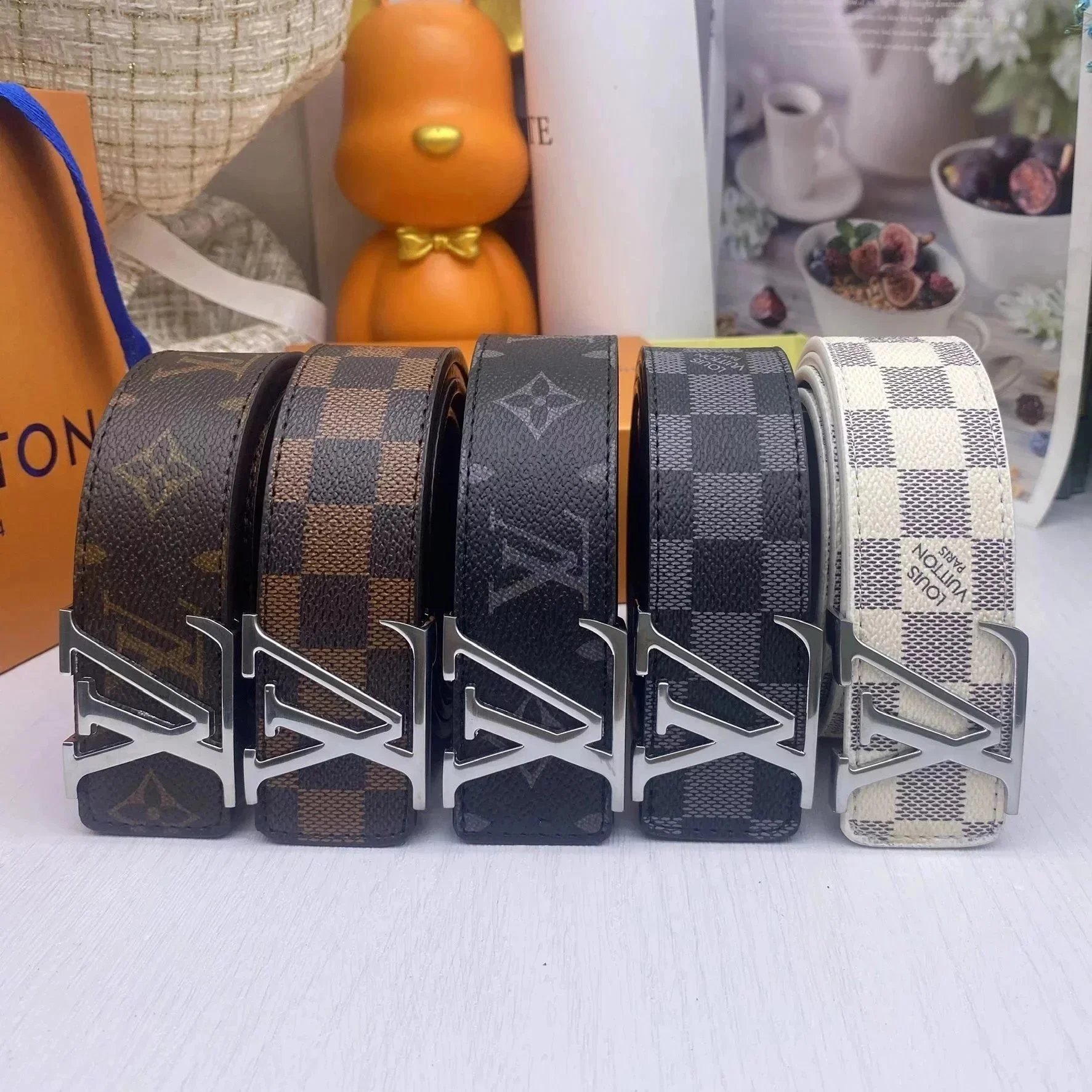
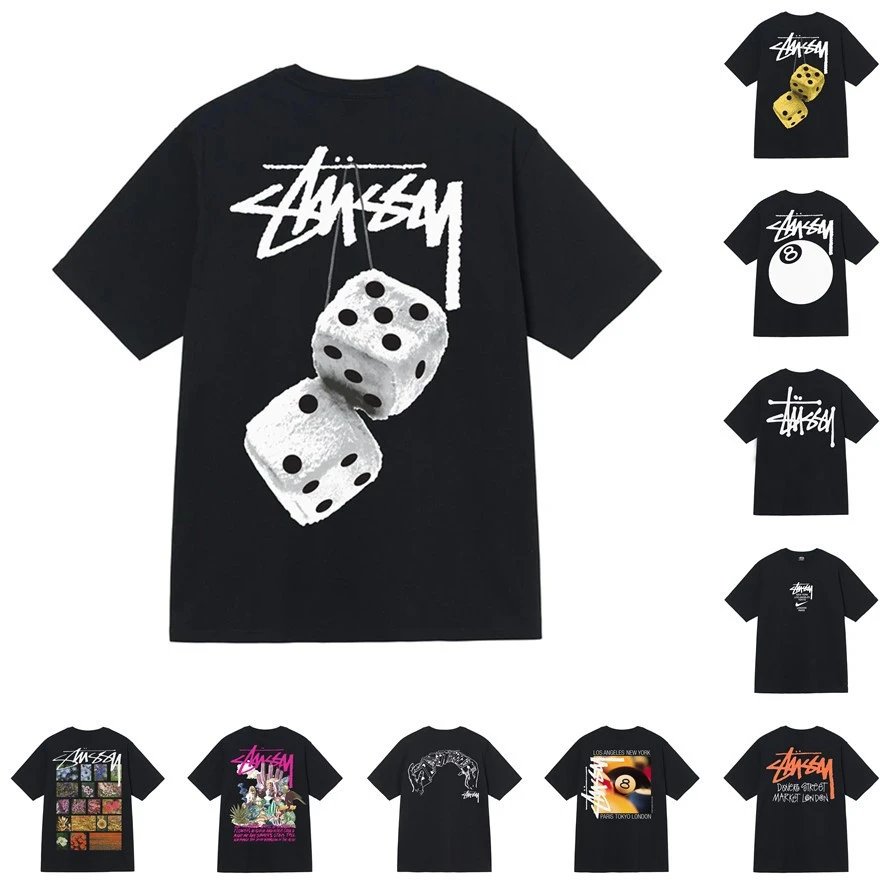
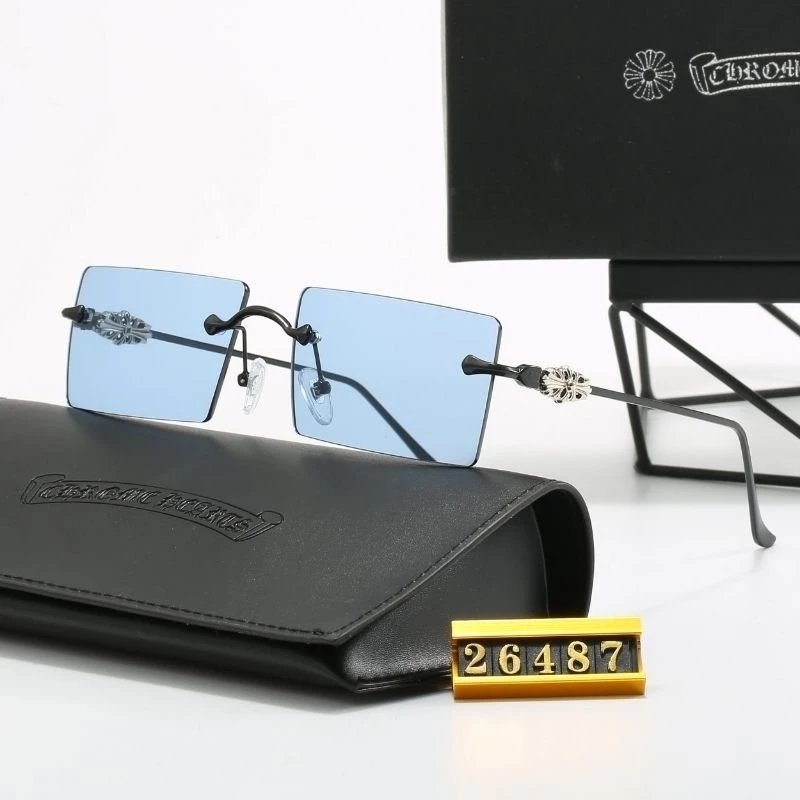
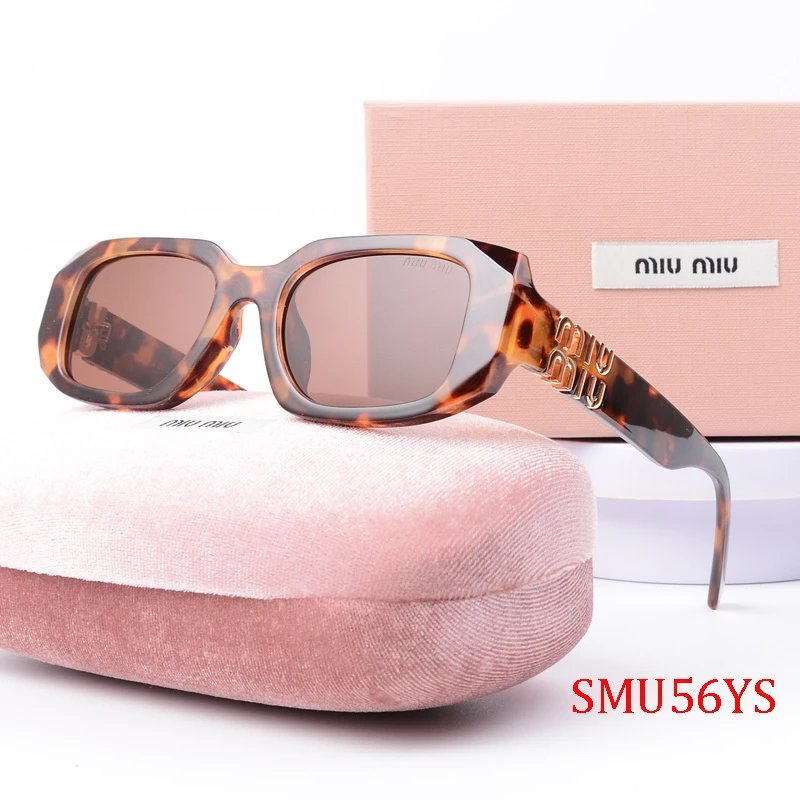
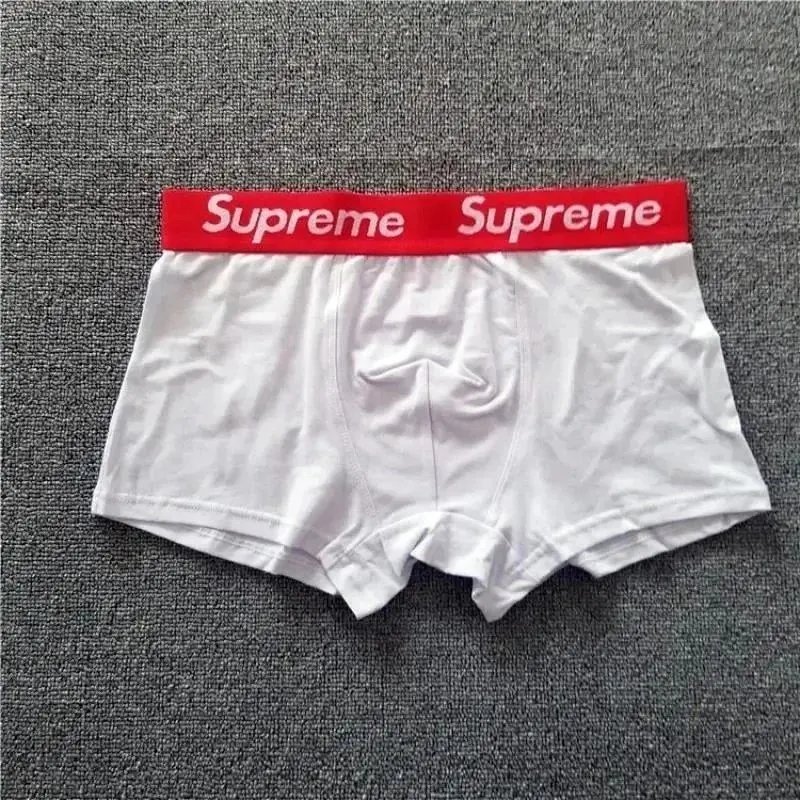
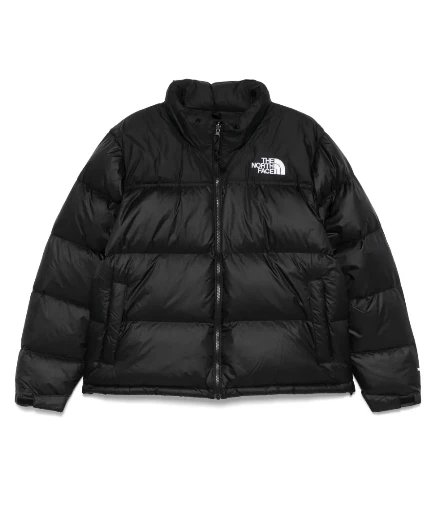
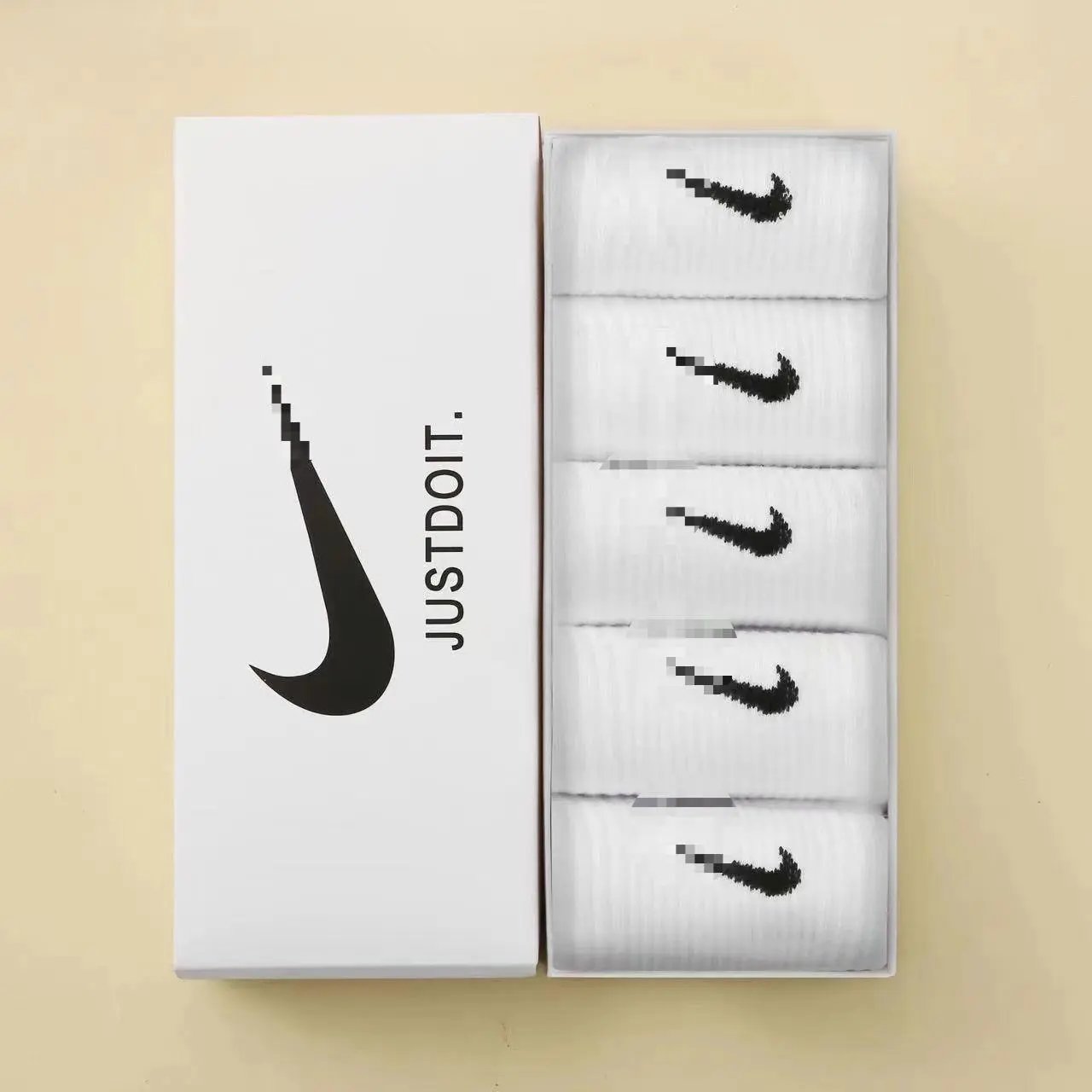
Category pages help new users narrow discovery before they start comparing seller images, QC details and agent route limits.
MuleBuy Links organizes trusted product links from Weidian, Taobao and 1688 into a searchable catalog for buyers who plan to purchase through Mulebuy or another China shopping agent. The goal is not to replace the agent, but to make product discovery, risk checks and route decisions easier.
Use the site to reduce trial-and-error: compare seller signals, check link freshness, read buying notes, then rely on the agent's official order, QC, storage and shipping process for the transaction itself.
Search by alias, model, category or item clue before you open the agent purchase page.
Product pages push users to verify real warehouse photos before international shipping.
Guide and Help content explain purchase, warehouse, parcel and after-sale checkpoints.
Mulebuy is the primary route for this site. Other platforms remain useful when a link needs manual purchase, regional payment options or a different shipping line.
Taobao, Weidian and 1688 buying with QC photos, warehouse handling and worldwide delivery.
AlternativeLoongbuyUseful benchmark for manual buying and route comparison.
AlternativeCNFansCommon agent route for users comparing platform coverage.
AlternativeKakobuyCheck when an item has different route or purchase support.
AlternativeACBuyAnother purchase route for regional payment and parcel comparison.
AlternativeSuperbuyEstablished agent option for cross-checking service scope.
Mulebuy describes itself as a China buying agent for Taobao, Weidian and 1688 with QC photos, storage and worldwide delivery. These cards translate that workflow into practical decisions before users pay or ship.
Submit the source link with exact size, color, quantity and purchase notes. If the seller changes stock, wait for agent confirmation before assuming the order is complete.
Read GuideReview warehouse photos for item count, color, size label, visible flaws, packaging and option match before creating the parcel.
QC checklistSeller delivery, warehouse receipt and storage are separate steps. Ship before storage expires and consolidate only when route rules still fit.
Storage notesRoutes can be limited by destination, weight, volume, branded goods, liquids, batteries or carrier policy changes.
Compare routesProduct price is only a signal. Final cost also includes domestic freight, service rules, currency conversion, packaging, insurance and international shipping.
Cost FAQKeep product pages, order screenshots, QC photos, parcel photos and tracking evidence when asking the seller or agent to review a problem.
After-sales FAQBuilt from Mulebuy's Help Center topics and the questions users usually hit before the first parcel.
Mulebuy may need seller confirmation, clearer options, manual review or payment/order checks before buying. Add size, color and notes early, then watch account messages.
Read order FAQSeller delivery and warehouse storage are separate steps. The warehouse still needs to receive, sort, inspect, photograph, weigh and bind the item to your account.
Read storage FAQConfirm item count, color, size tag, option match, visible flaws, stains, packaging and logo placement while returns or exchanges are still realistic.
Open QC checklistRoutes can change by destination, parcel weight, volume, branded-goods limits, batteries, liquids, seasonal pressure, customs risk or carrier policy updates.
Check routesFor higher-value parcels, read route compensation rules before shipping. Coverage and claim evidence requirements vary by line and parcel status.
Read protection notesUse our Help page for the practical shortlist, then jump to Mulebuy's official Help Center for exact account, route and after-sales rules.
Open Help CenterShort updates, route notes and buying reminders. Open News when you need the full archive.
A practical August 2026 Mulebuy update on tracking gaps, insurance scope, route availability and when buy...
Dear Mulebuyers, Due to recent force majeure events and natural disasters, shipments to certain affected ...
Dear Mulebuyers,The 3-day points event is here! Unlock 1-point items, daily new drops, and exclusive surp...
Dear Mulebuyers,To provide you with more shipping options and better meet the needs of different types of...
Dear Mulebuyers,To thank you for your continued support and trust, and to help reduce your shipping costs...
EventsDear Mulebuyers, Back to School Flash Sale is officially ON! From fresh fits to must-have kicks, we...