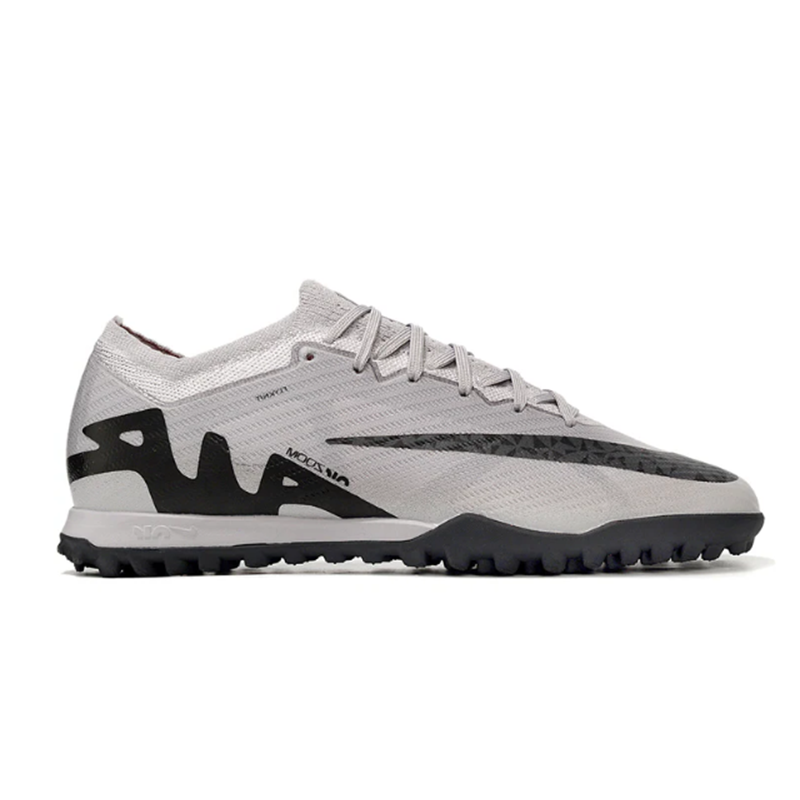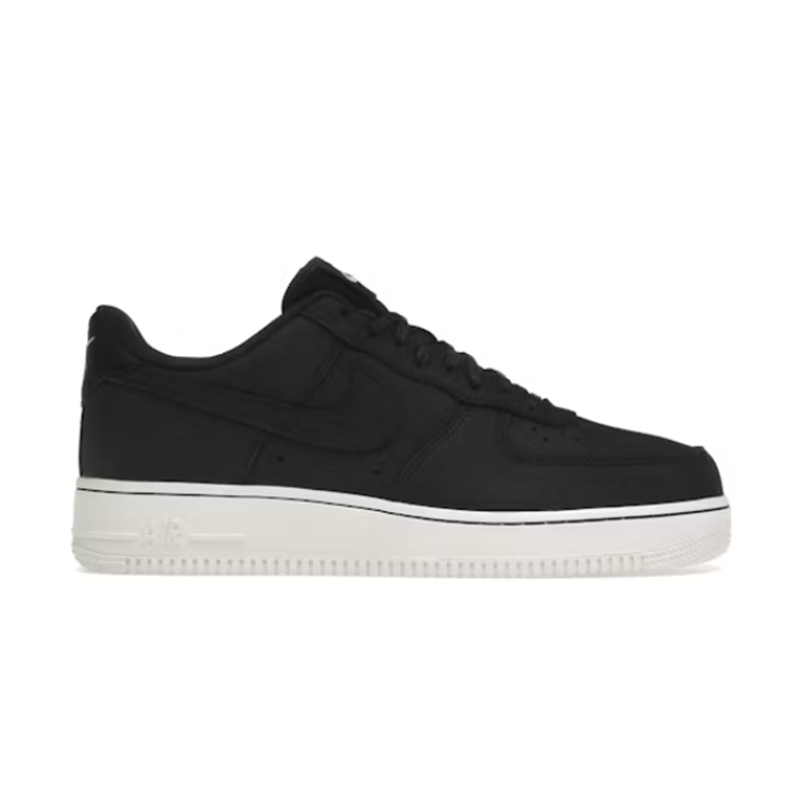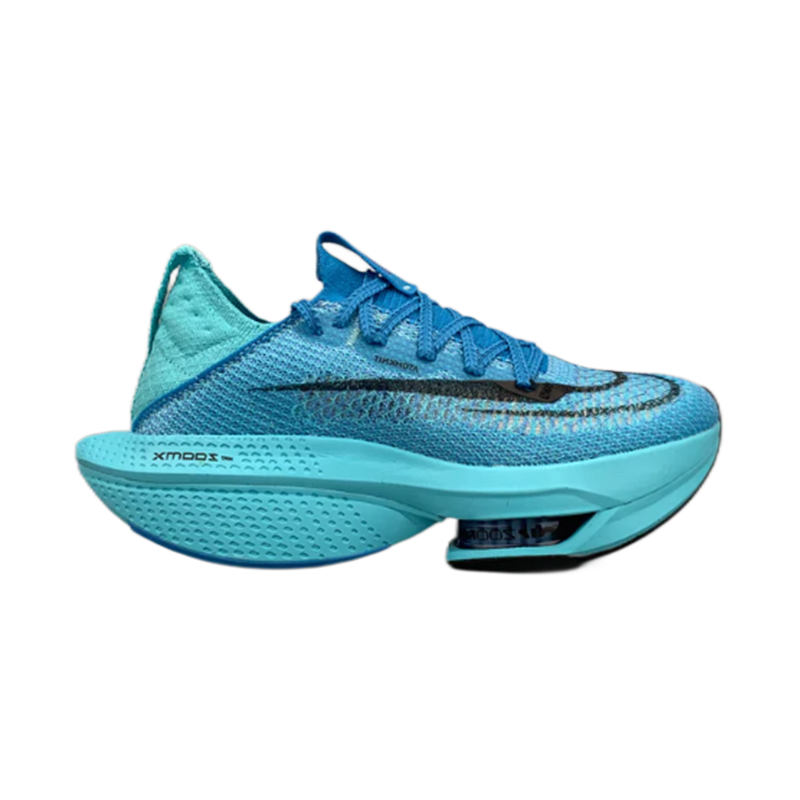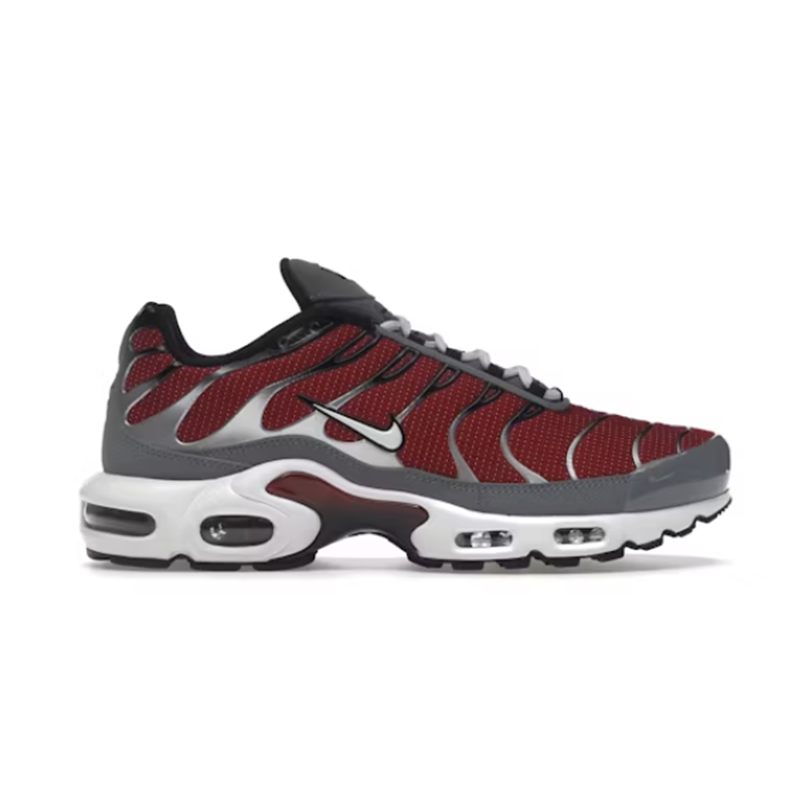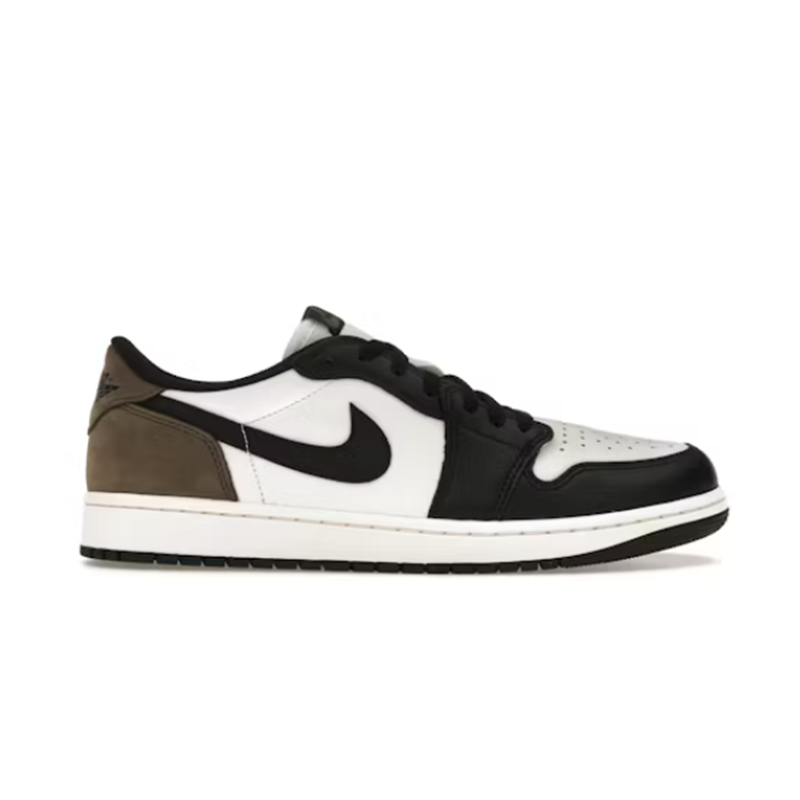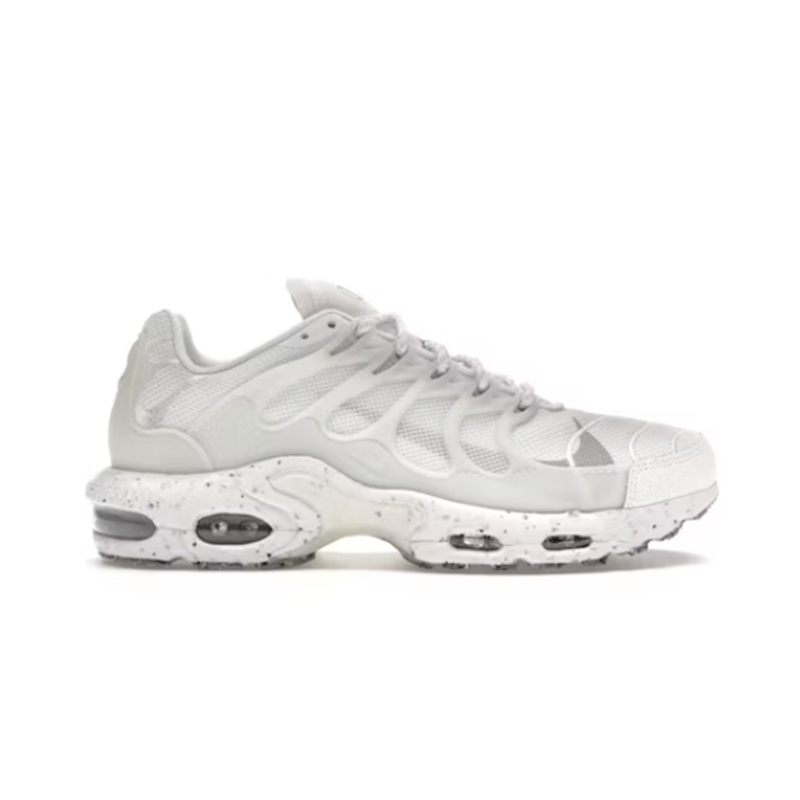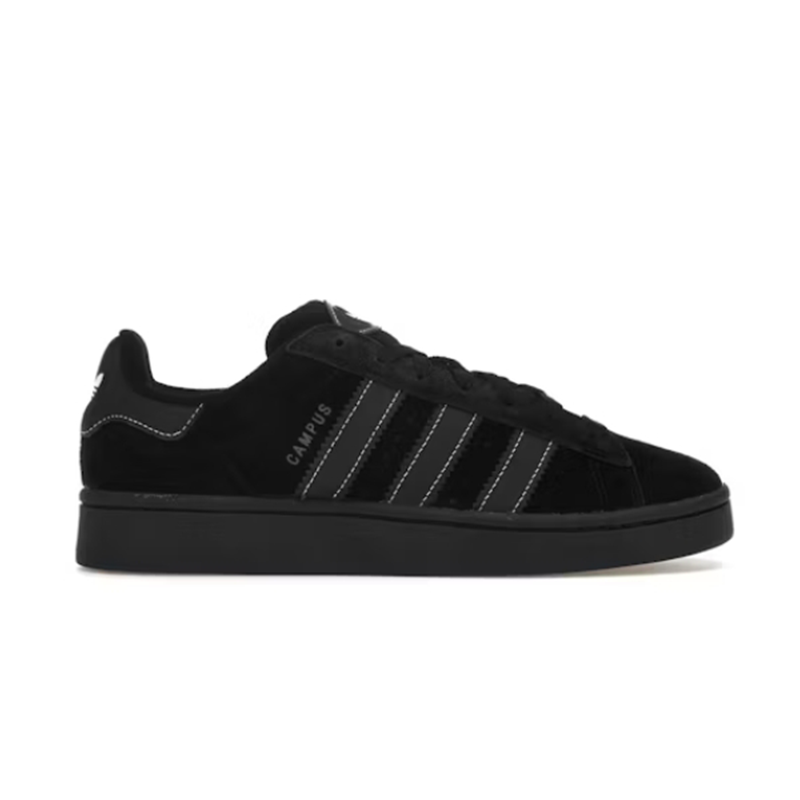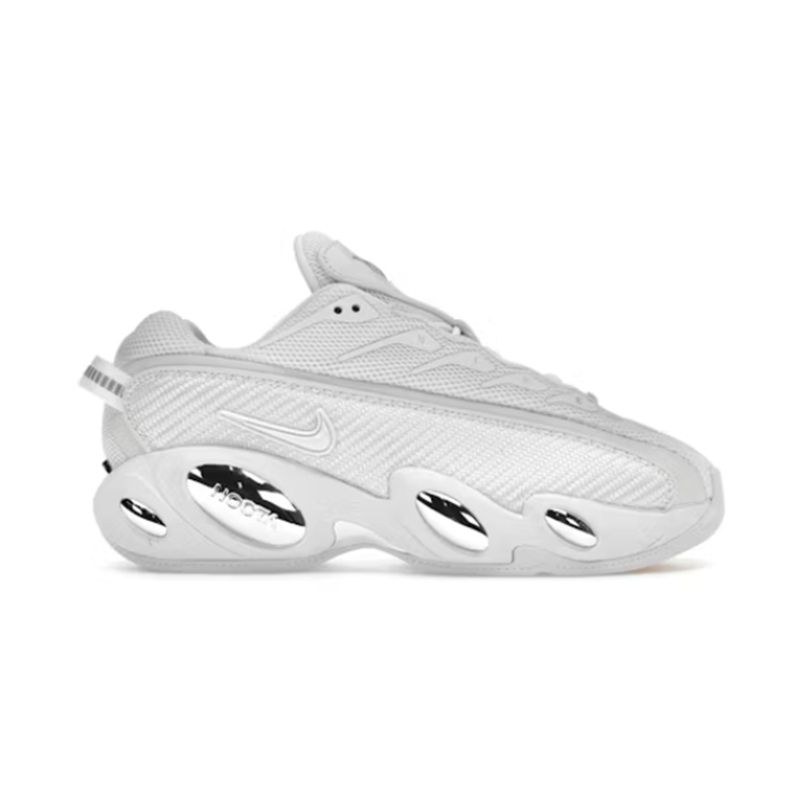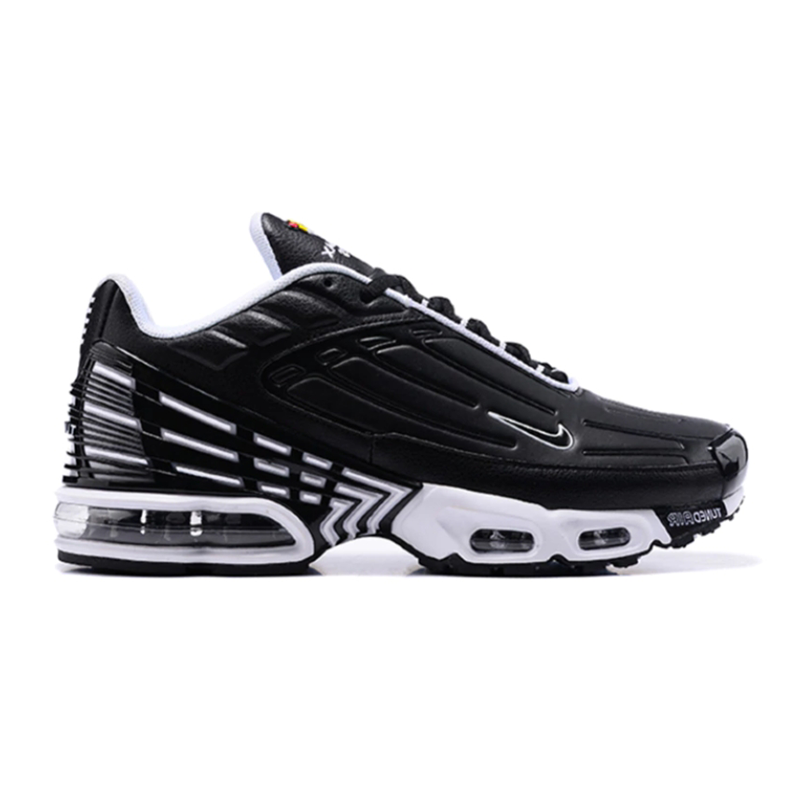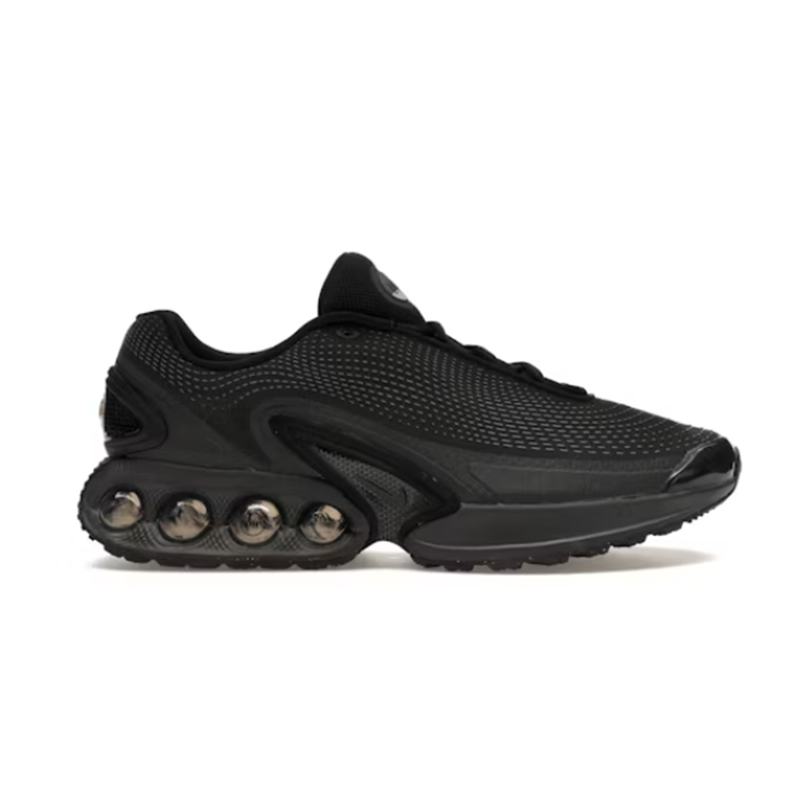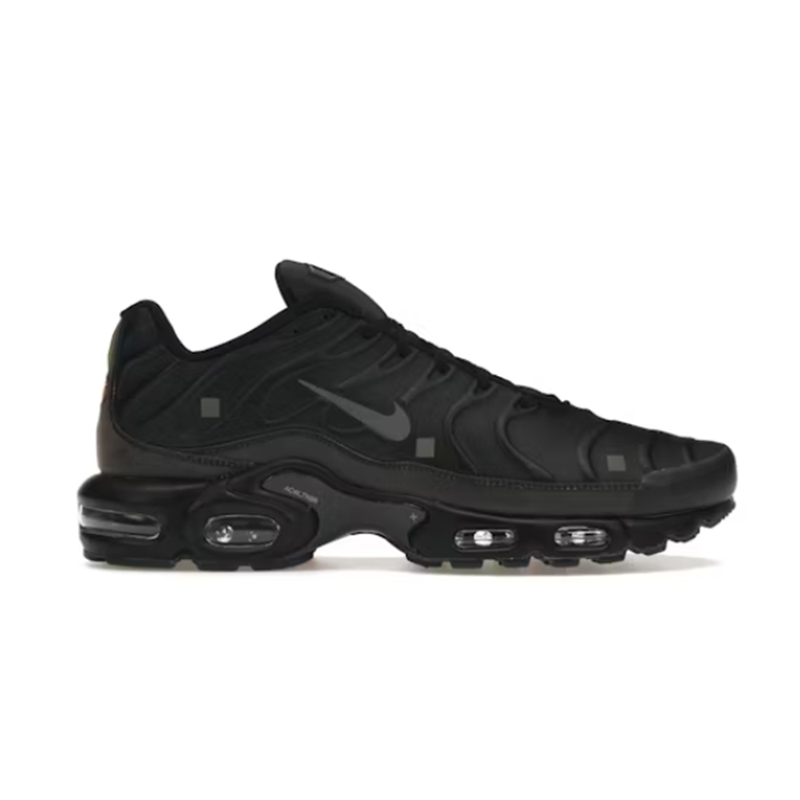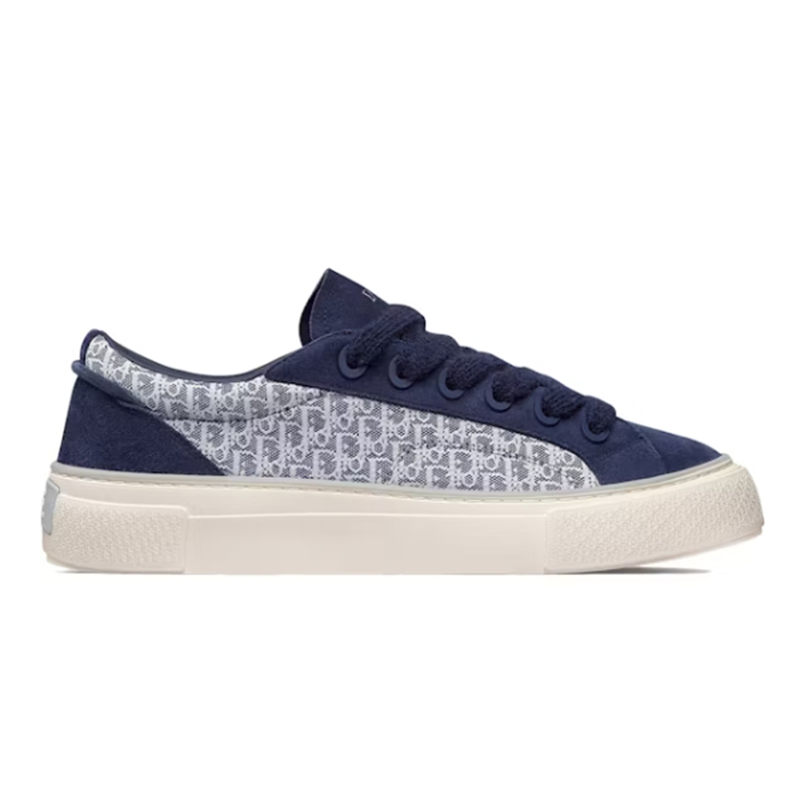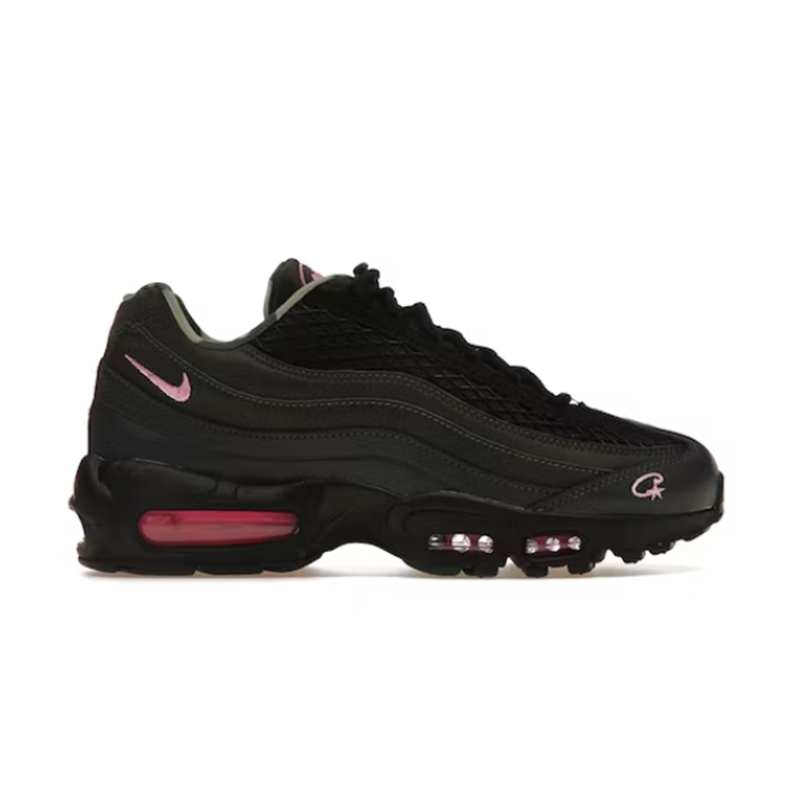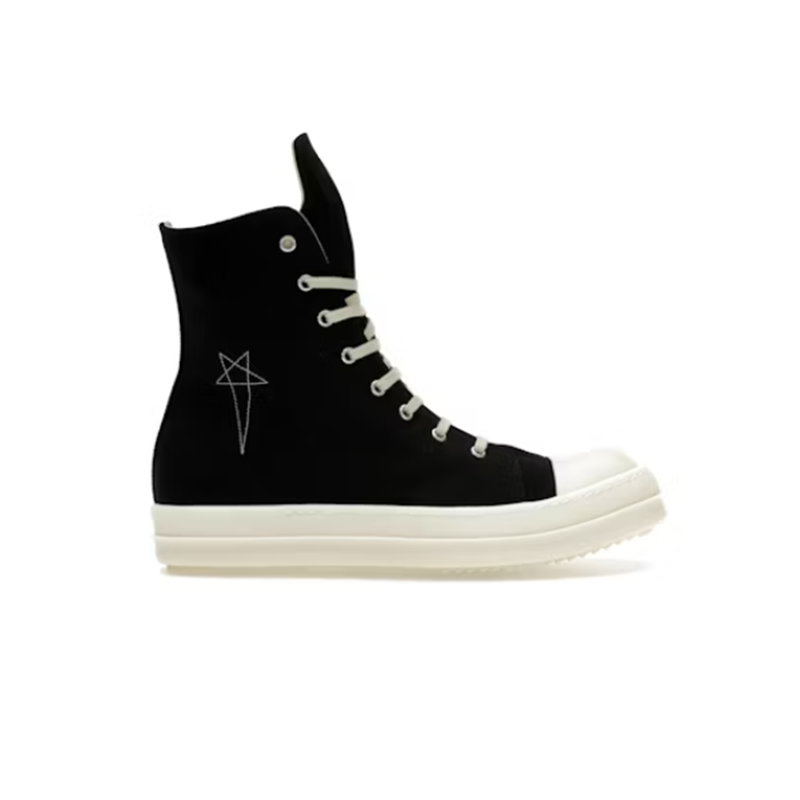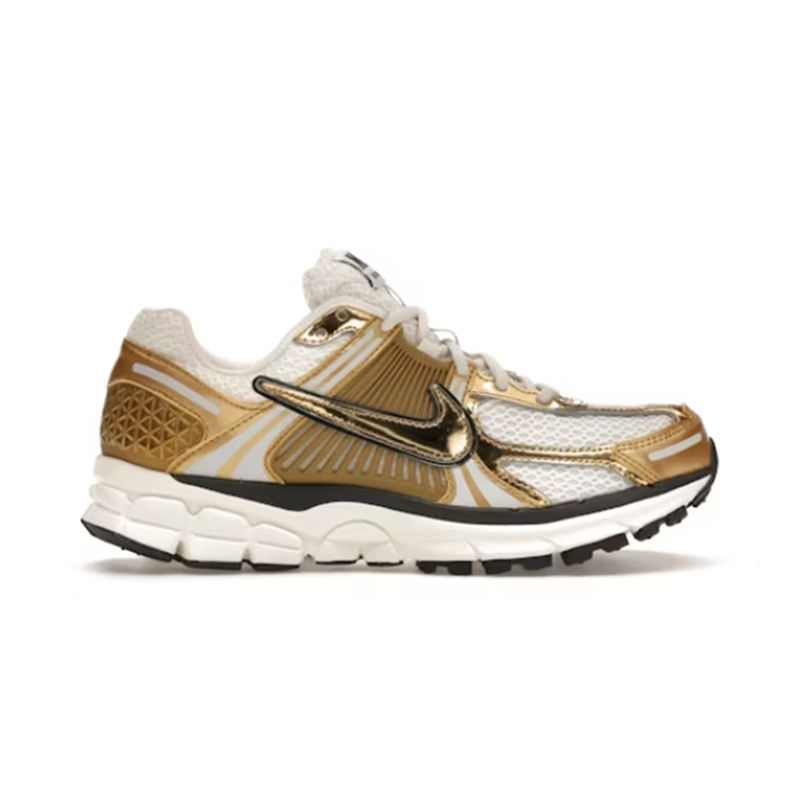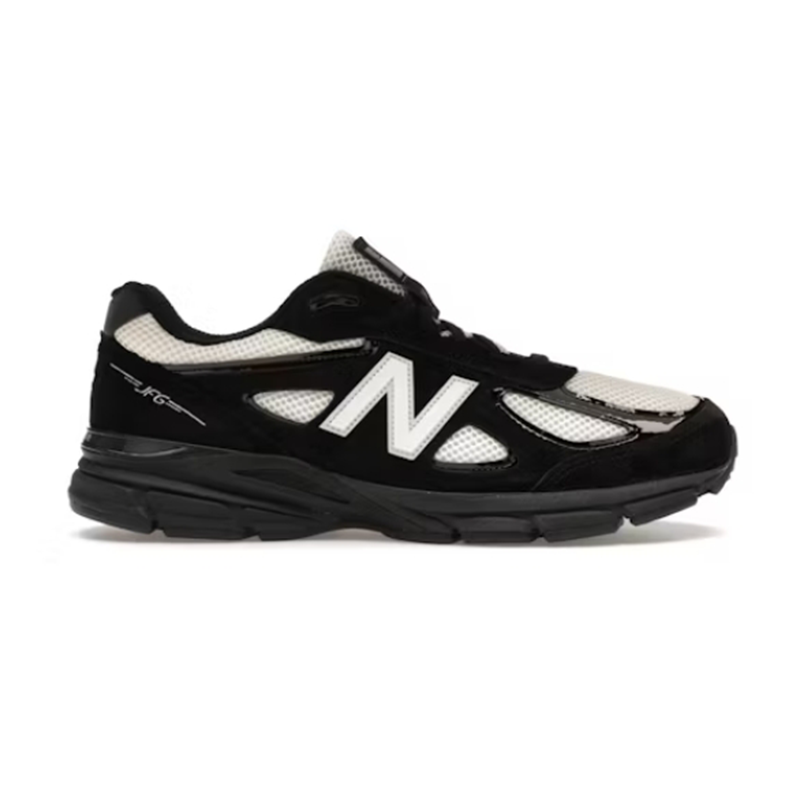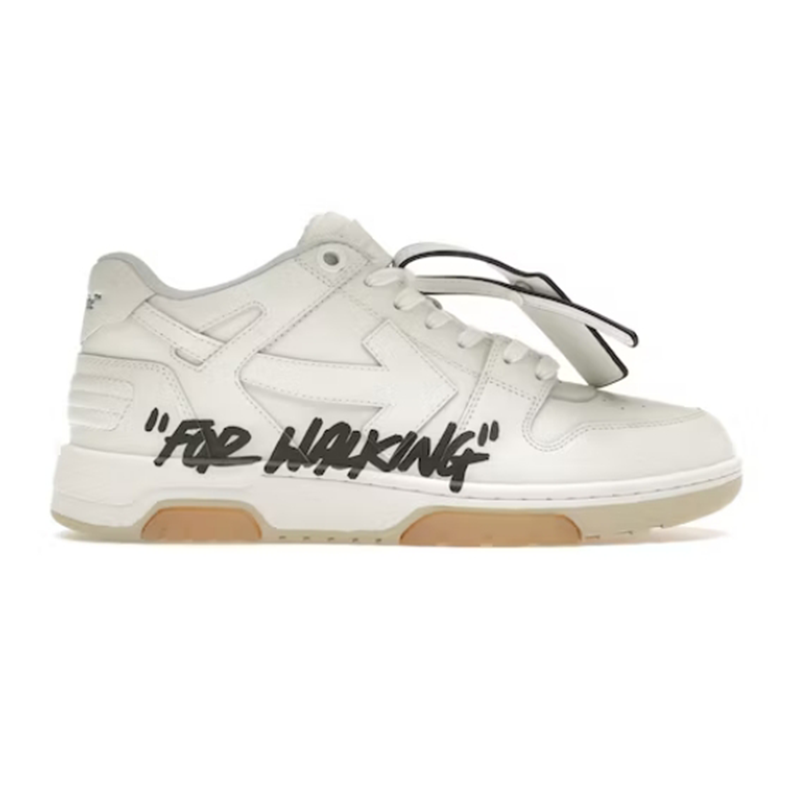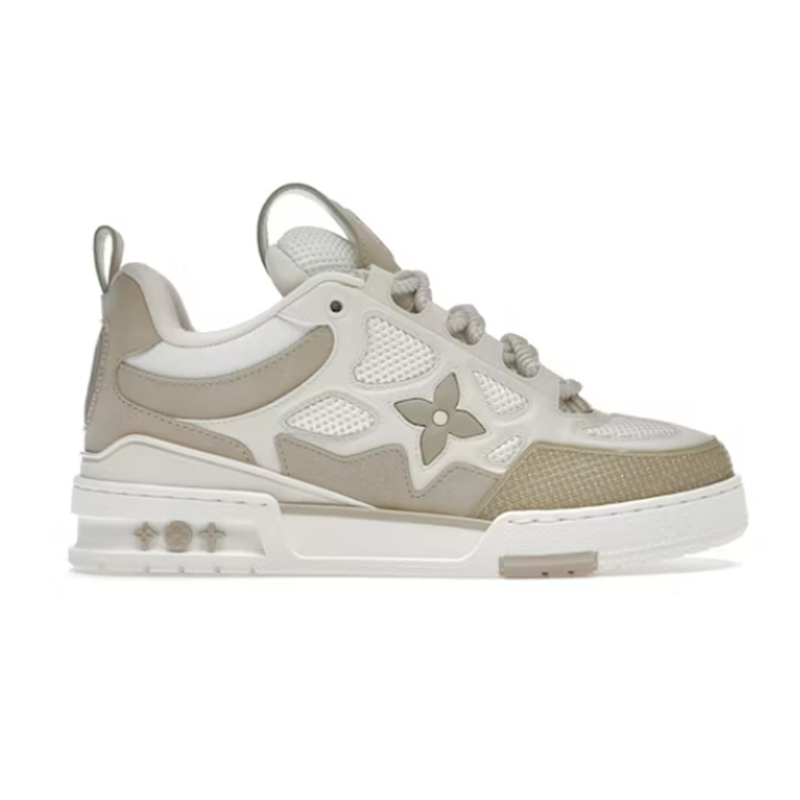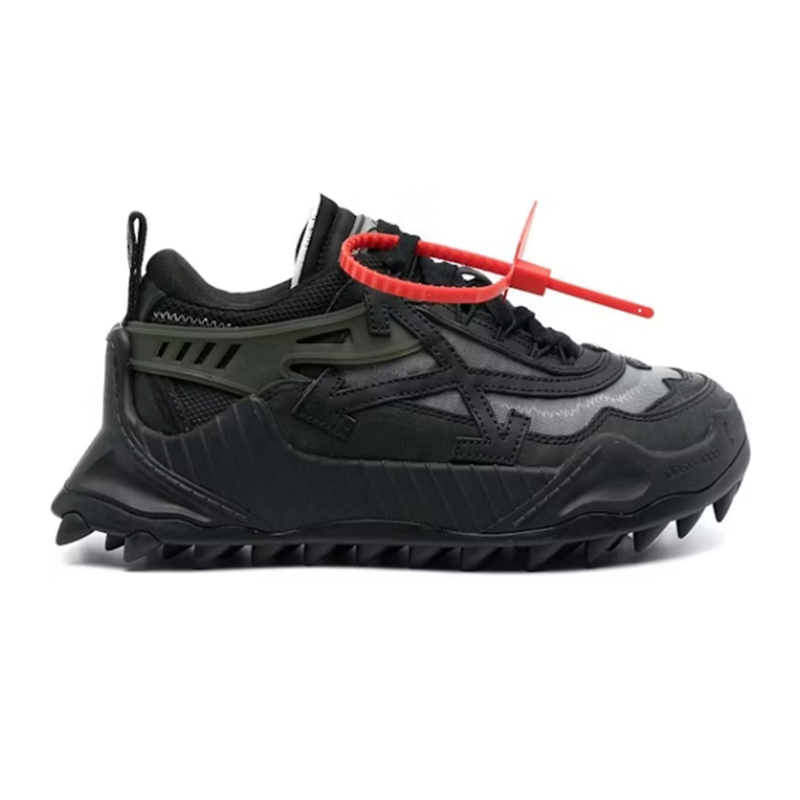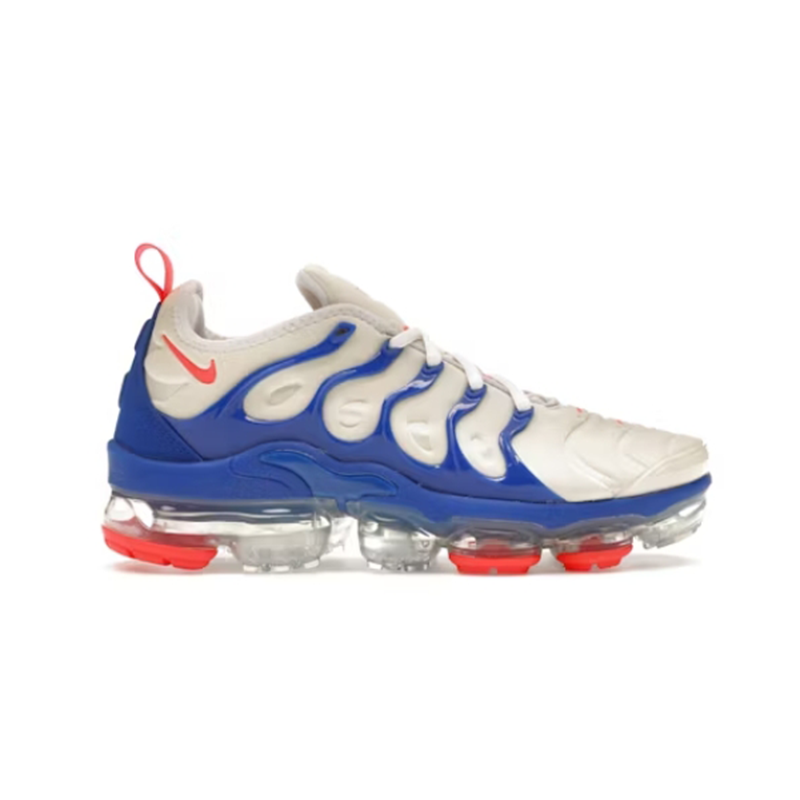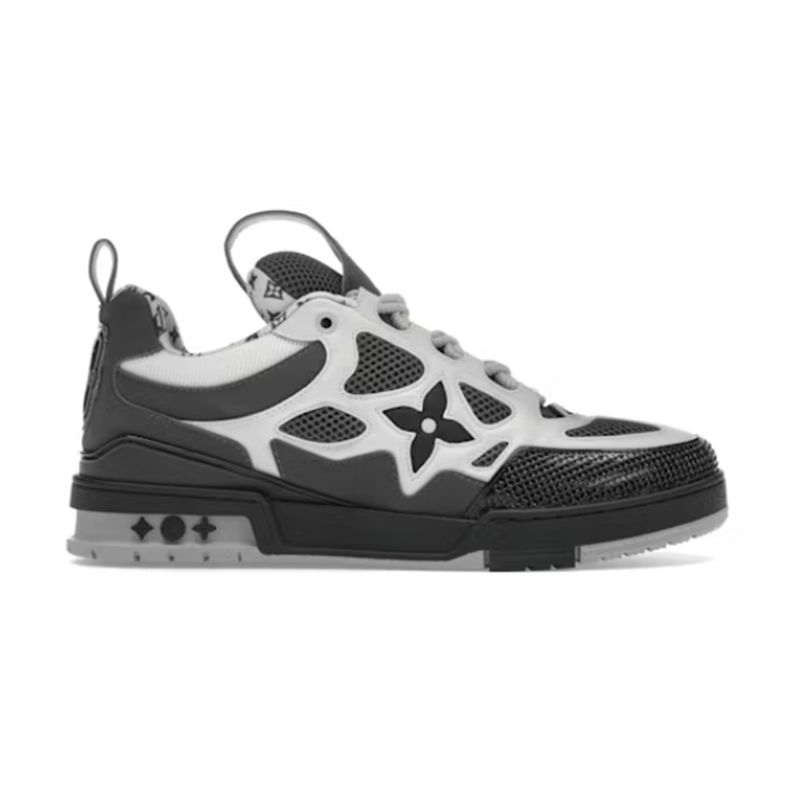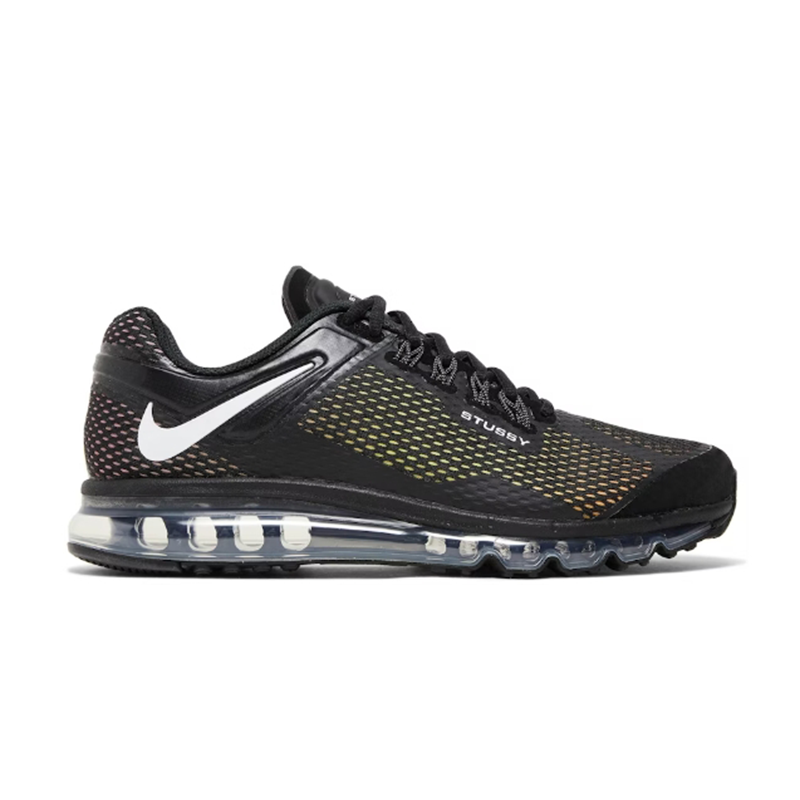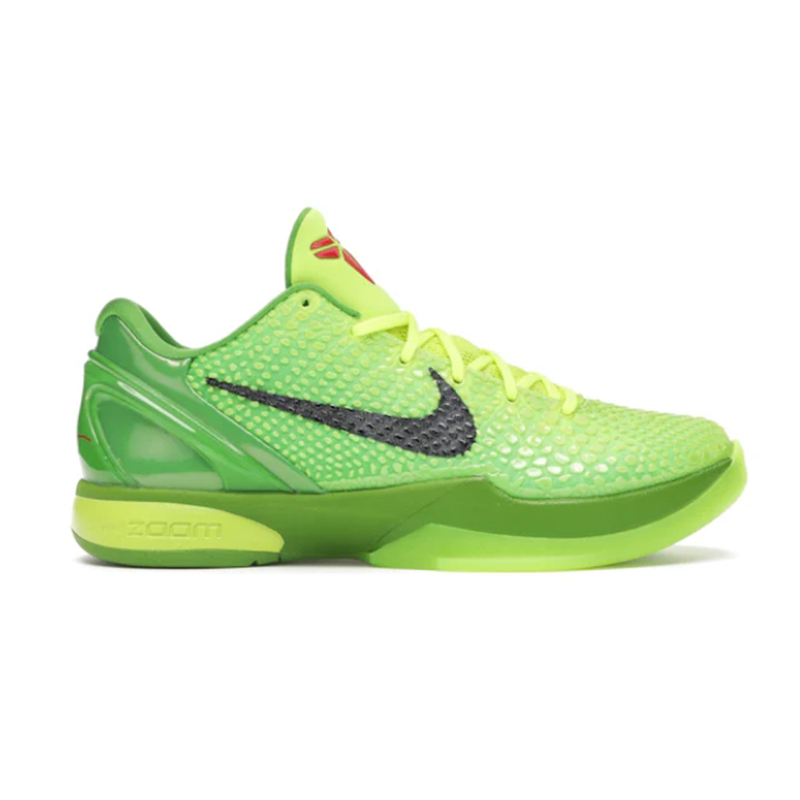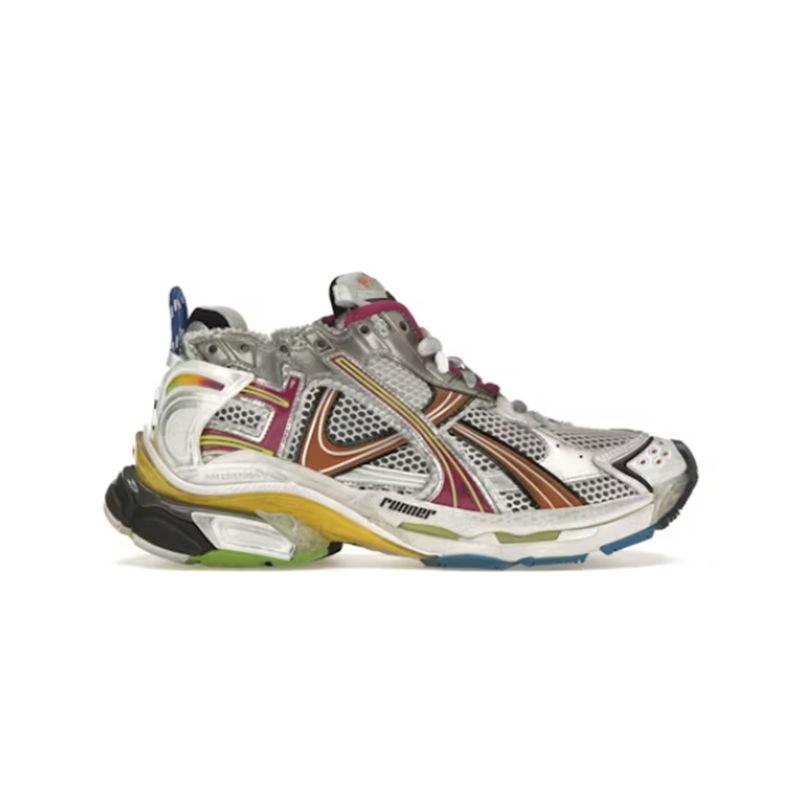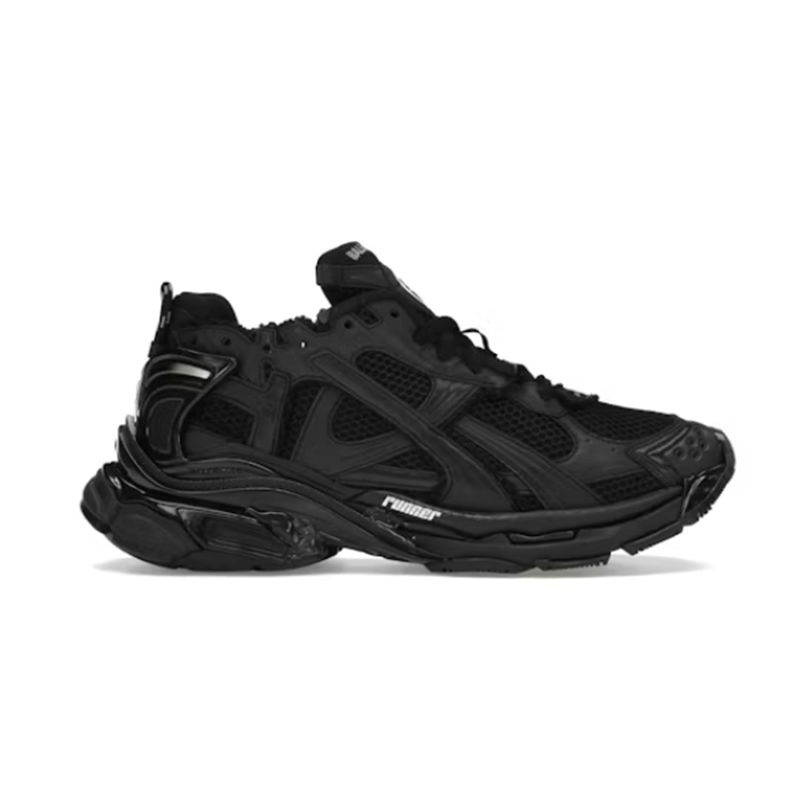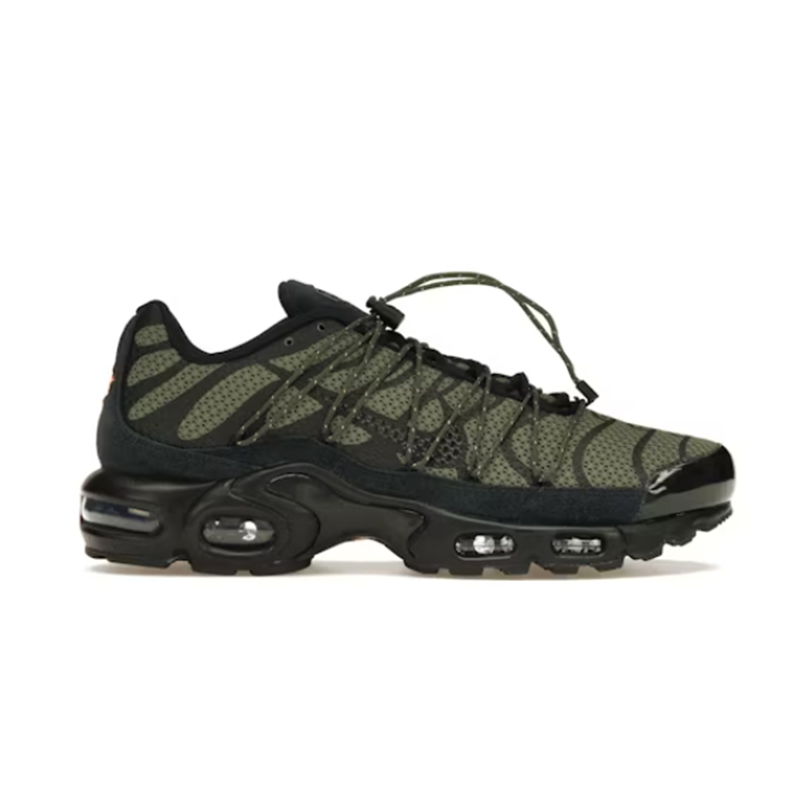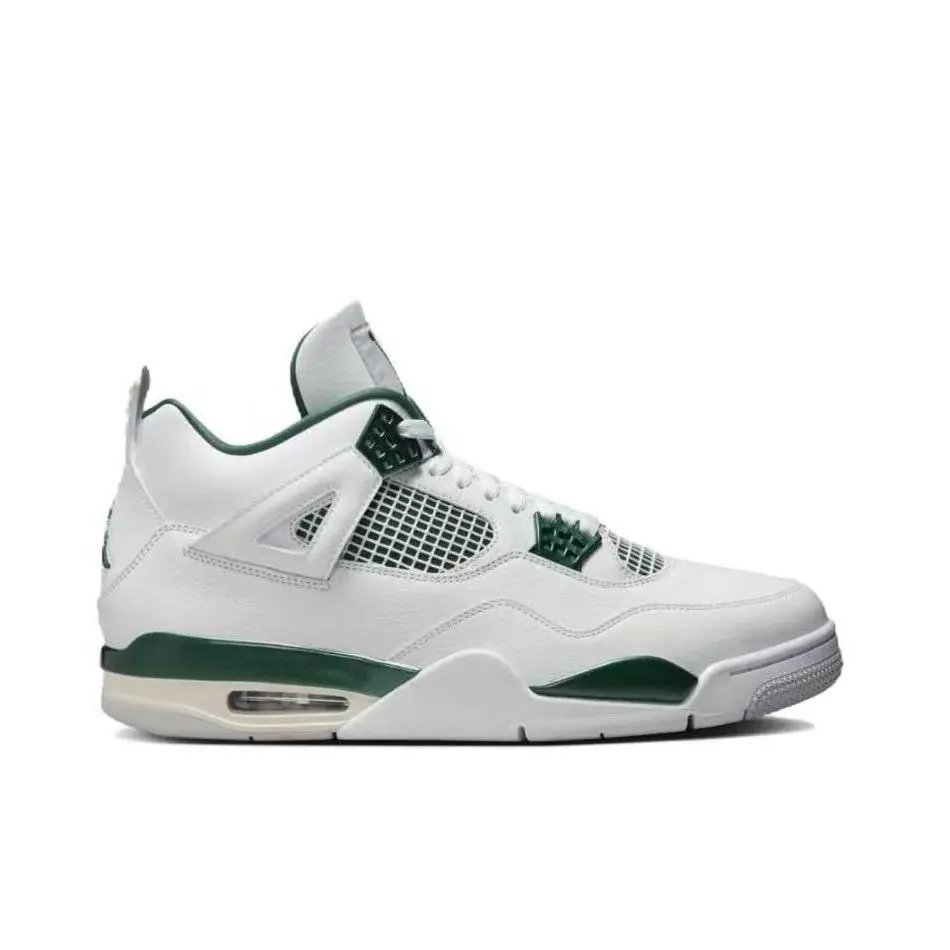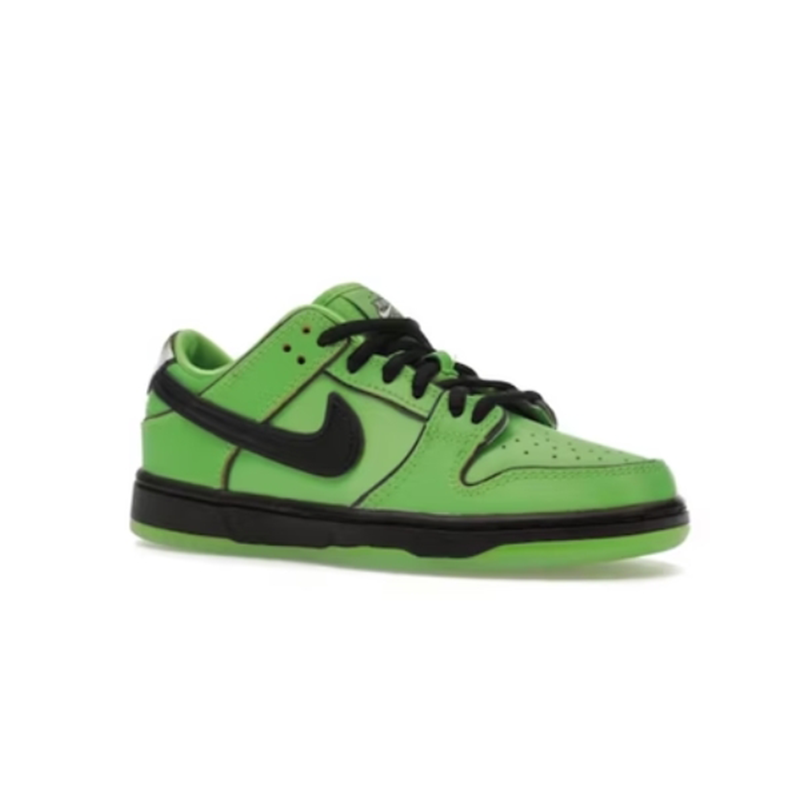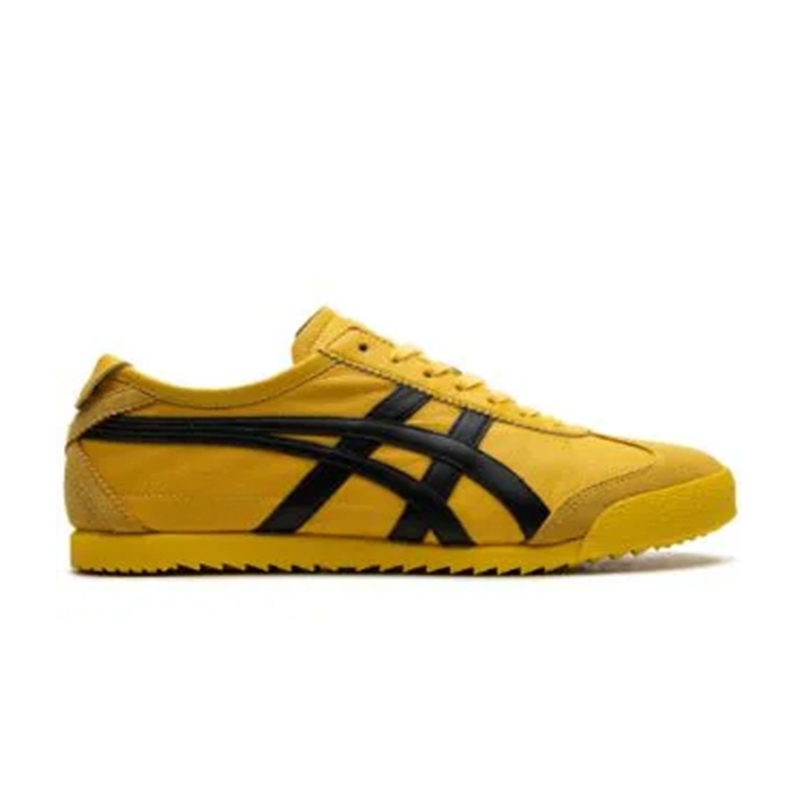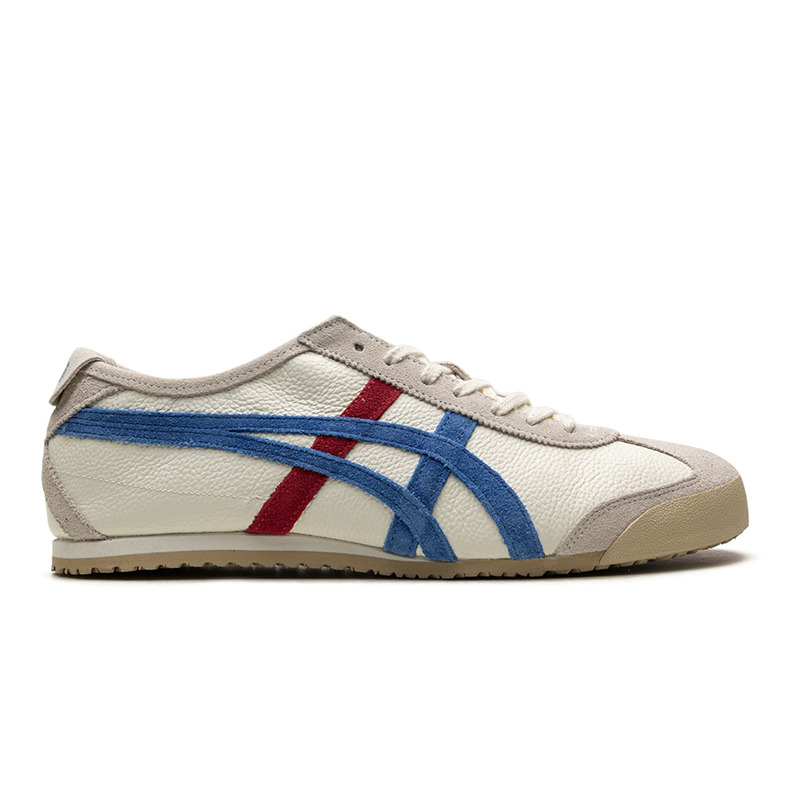



This is the browse-everything page of the Mulebuy spreadsheet, a curated directory of finds pulled together from across the marketplaces Mulebuy can order from. If you are new and not yet sure what you are hunting for, start right here: it spans every category we track, so you can wander first and get a feel for what is out there before committing to anything.
Here is how to actually work this page. Along the top you will see category pills, tap one to filter the grid down to just that kind of item, or leave them alone to keep the whole collection in view. Use the sort control to reorder what you are seeing by latest additions, by what is most popular, or by price when you want to scan from cheaper to pricier (or the reverse). And if you already have something specific in mind, a product name, a silhouette, a brand you keep hearing about, drop it into the search box and let the grid narrow itself for you.
Every card in the grid opens the real seller listing behind that find. That is the important part for beginners: the spreadsheet is the map, not the checkout. When you find something you like, you open its listing, look it over, and then place the order through Mulebuy in the usual way. Nothing here charges you, it simply points you at the genuine product page.
A practical rhythm that works well: begin broad on this page to see the range, then tighten. Once a category catches your eye, click its pill to swim only in that lane, or search a precise item or brand when you already know the target. Sorting by popular is a gentle way to see what other shoppers keep returning to, while sorting by latest surfaces things that were just added.
Treat this page as your launchpad. Browse loosely, filter when a direction appears, and open the listing whenever curiosity turns into a real maybe, then decide with the actual product page in front of you.